> ## Documentation Index
> Fetch the complete documentation index at: https://docs.psntools.com/llms.txt
> Use this file to discover all available pages before exploring further.

# Profile Modder

> Customize your PlayStation profile: reset your avatar, change background image and color, and edit your about me.

<Accordion title="Prefer to watch? Video tutorial" icon="youtube">
  <iframe className="w-full aspect-video rounded-xl" src="https://www.youtube.com/embed/zAuCYJ-ywco" title="PSNTools Profile Modder tutorial" frameborder="0" allow="accelerometer; autoplay; clipboard-write; encrypted-media; gyroscope; picture-in-picture" allowfullscreen />
</Accordion>

<Info>
  Make sure your NPSSO cookie is fresh before using PSNTools. Sign out of PSN and sign back in if needed. [NPSSO guide here](/security/npsso-token).
</Info>

<Steps>
  <Step title="Go to PSN Profile Modder">
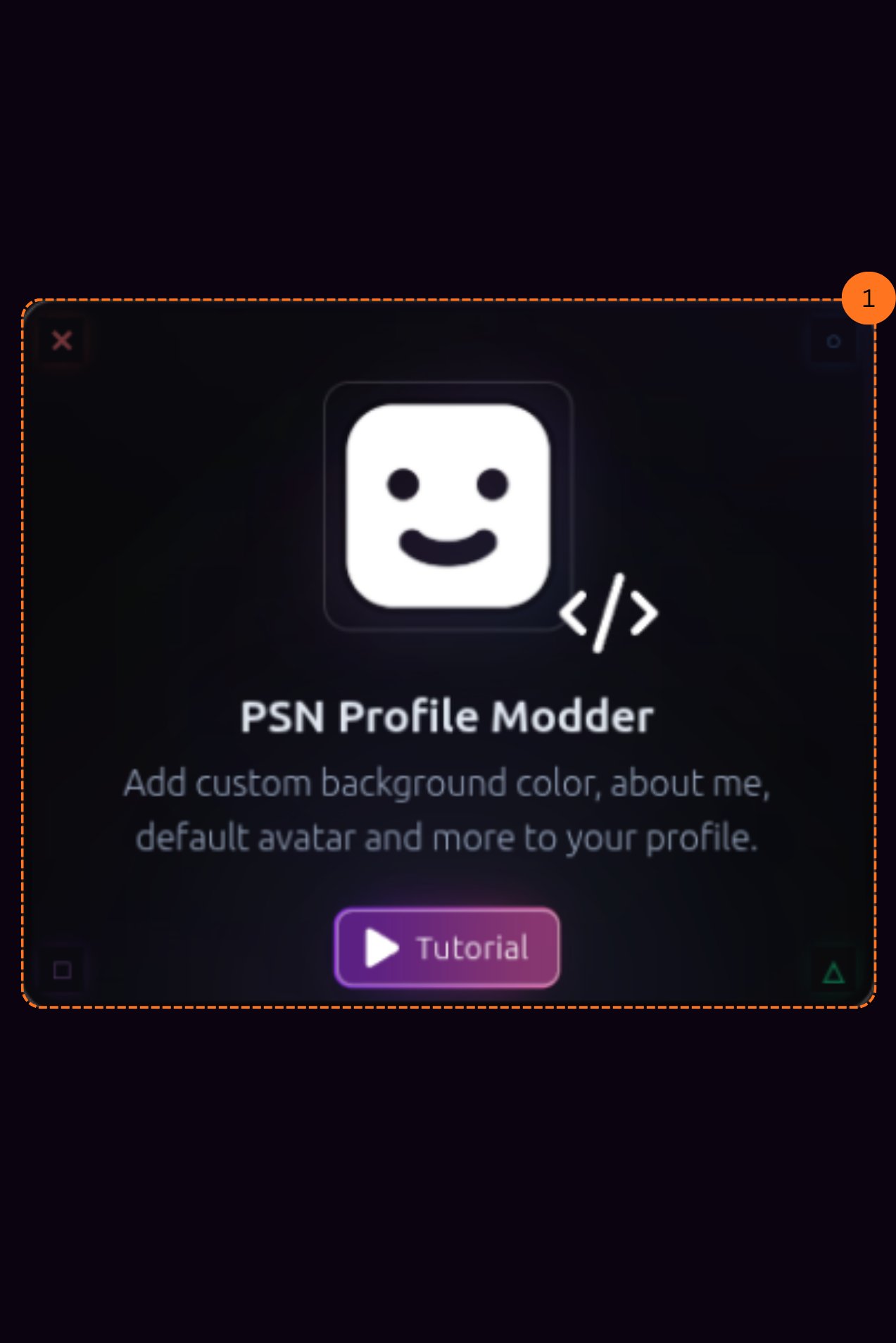
    Head over to the [PSNTools homepage](https://www.psntools.com) and find the **PSN Profile Modder** section. Click it to get started.

    <Frame>
      <img src="https://mintcdn.com/psntools-f5c51a70/v-mSR7XyO3vYkr65/profile-tools/images/profile-modder-homepage-highlighted.png?fit=max&auto=format&n=v-mSR7XyO3vYkr65&q=85&s=232d6a697e382e43394f4b14054eeba6" alt="PSNTools homepage with PSN Profile Modder highlighted" width="1273" height="1908" data-path="profile-tools/images/profile-modder-homepage-highlighted.png" />
    </Frame>
  </Step>

  <Step title="Reset Your Avatar">
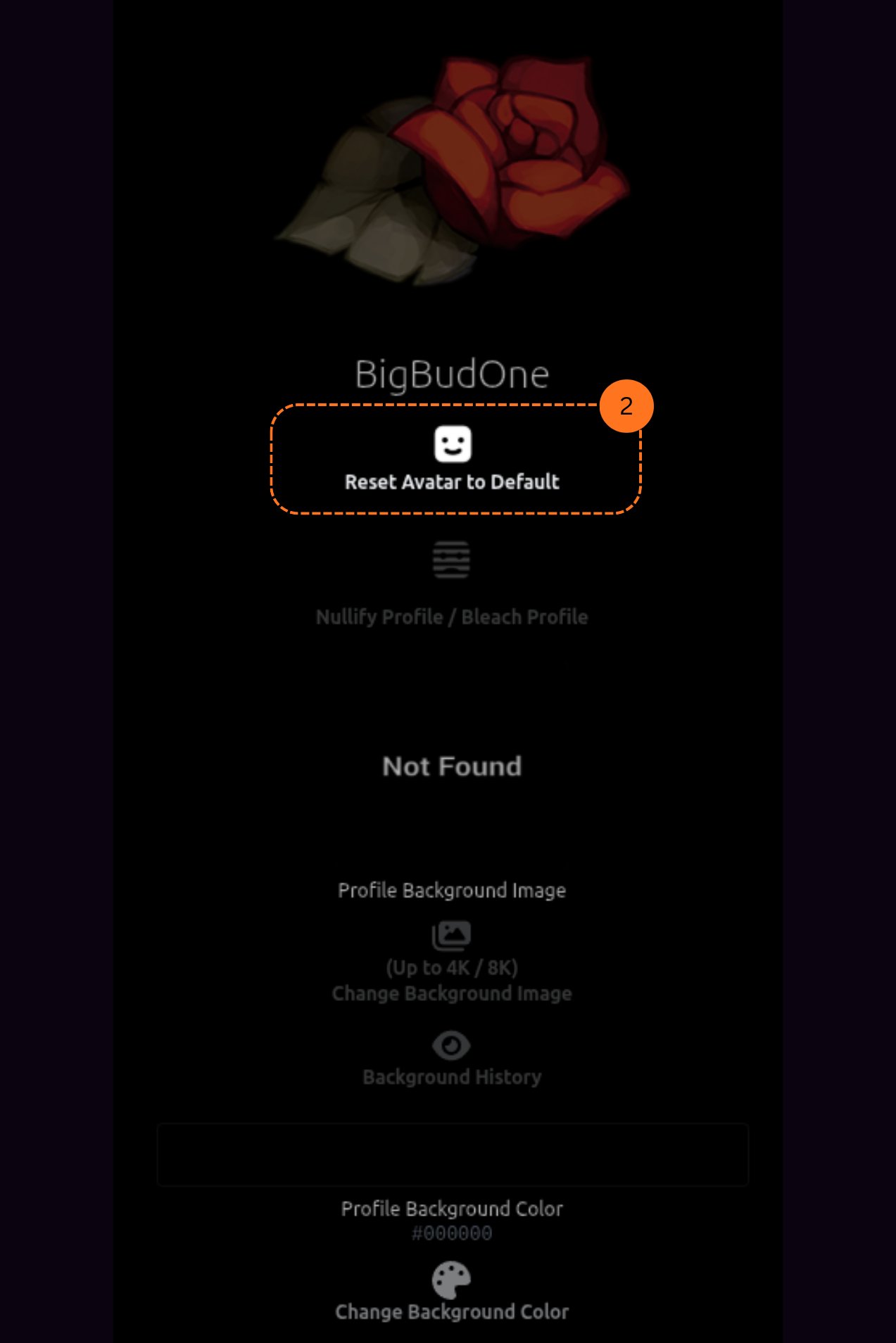
    After clicking Profile Modder, it will ask you to load your profile.

    You can **reset your avatar to default**. This lets you get the default PlayStation avatar, the same one you get when creating a brand new account.

    <Frame>
      <img src="https://mintcdn.com/psntools-f5c51a70/v-mSR7XyO3vYkr65/profile-tools/images/profile-modder-reset-avatar.png?fit=max&auto=format&n=v-mSR7XyO3vYkr65&q=85&s=f7de46004ea1479820dec55ed1c54a5b" alt="PSN Profile Modder, reset avatar to default option" width="1273" height="1908" data-path="profile-tools/images/profile-modder-reset-avatar.png" />
    </Frame>
  </Step>

  <Step title="Change Your Background Image">
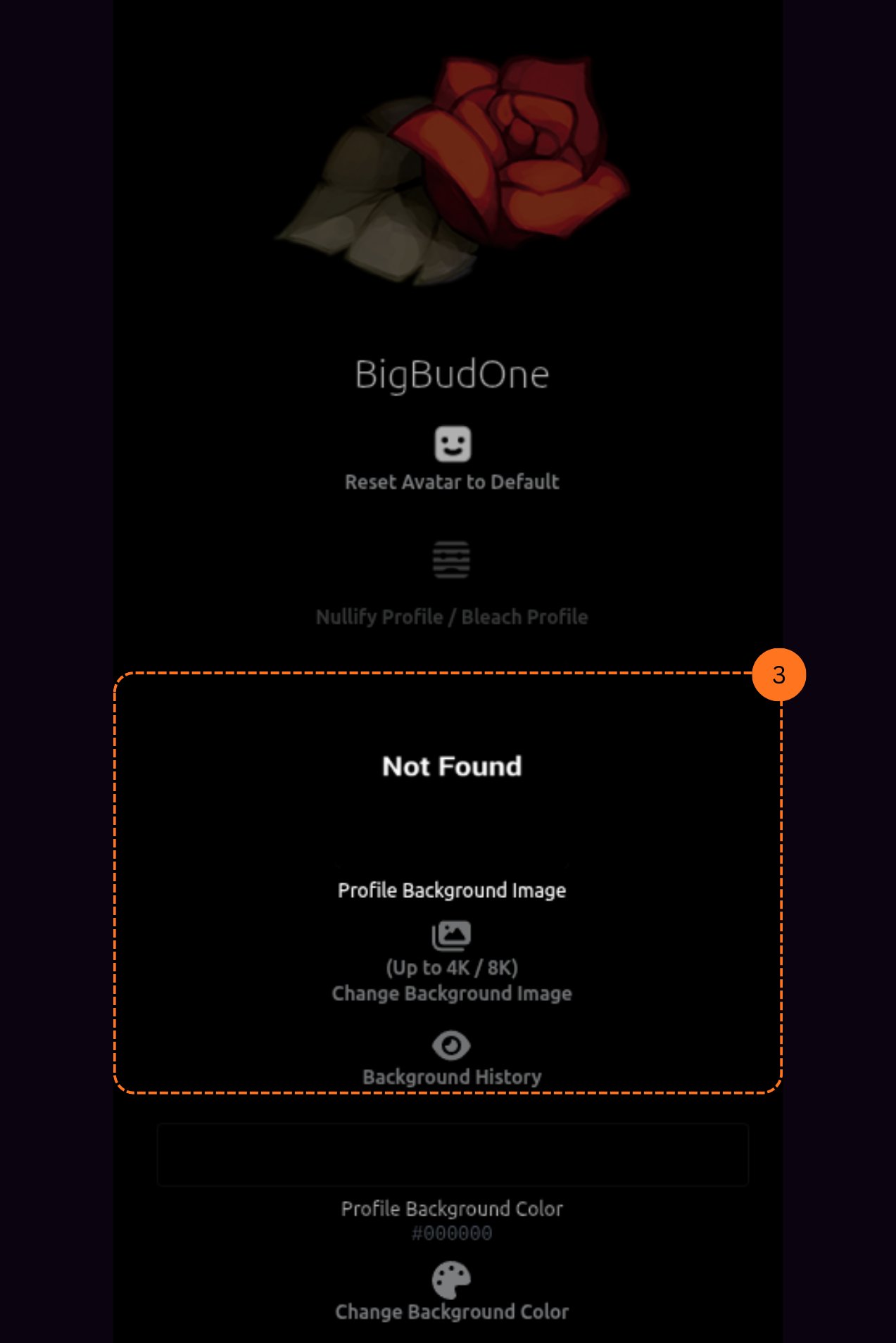
    You can also change your **profile background image**. You will be able to browse your background history and pick from previous backgrounds you have used.

    <Frame>
      <img src="https://mintcdn.com/psntools-f5c51a70/v-mSR7XyO3vYkr65/profile-tools/images/profile-modder-background-image.png?fit=max&auto=format&n=v-mSR7XyO3vYkr65&q=85&s=a8379d426a2ffd2c321c07cb66b2298e" alt="PSN Profile Modder, change background image with history" width="1273" height="1908" data-path="profile-tools/images/profile-modder-background-image.png" />
    </Frame>
  </Step>

  <Step title="Change Your Profile Background Color">
    You can change your **profile background color**. Pick any color you want to customize your profile look.

    <Warning>
      This feature only works on PS4, not PS5.
    </Warning>

    <Frame>
      <img src="https://mintlify.s3.us-west-1.amazonaws.com/psntools-f5c51a70/profile-tools/images/profile-modder-background-color.png" alt="PSN Profile Modder, change profile background color" />
    </Frame>
  </Step>

  <Step title="Customize Your About Me">
    You can edit your **custom about me** section. Add symbols, special characters, and whatever text you want to show on your profile.

    <Frame>
      <img src="https://mintlify.s3.us-west-1.amazonaws.com/psntools-f5c51a70/profile-tools/images/profile-modder-about-me.png" alt="PSN Profile Modder, customize about me with symbols" />
    </Frame>
  </Step>

  <Step title="Customize Your Real Name">
    You can also customize your **real name** field. Add specific custom symbols and text to personalize how your name appears.

    <Frame>
      <img src="https://mintlify.s3.us-west-1.amazonaws.com/psntools-f5c51a70/profile-tools/images/profile-modder-real-name.png" alt="PSN Profile Modder, customize real name with custom symbols" />
    </Frame>
  </Step>
</Steps>

If you don't have a PSNTools account yet, check out the guide on [how to create one](/getting-started/create-account).


## Related topics

- [Profile Cloner](/profile-tools/profile-cloner.md)
- [PSNTools Documentation](/index.md)
- [Membership tiers](/billing/memberships.md)
- [PSN Checker](/profile-tools/psn-checker.md)
- [Avatar Activator](/avatar-tools/avatar-activator.md)