This is the quick way to open the account inbox. Instead of typing the order ID and the account email by hand, you use the Email access link that’s already sitting on your order. One click and you’re in. Use this if the manual route feels like a hassle, or if it isn’t working. Same inbox either way. See Access your account inbox for the manual route.
1

Copy the email access link

On your order, scroll down to Additional info and copy the Email access link (the one that starts with modding.psntools.com).
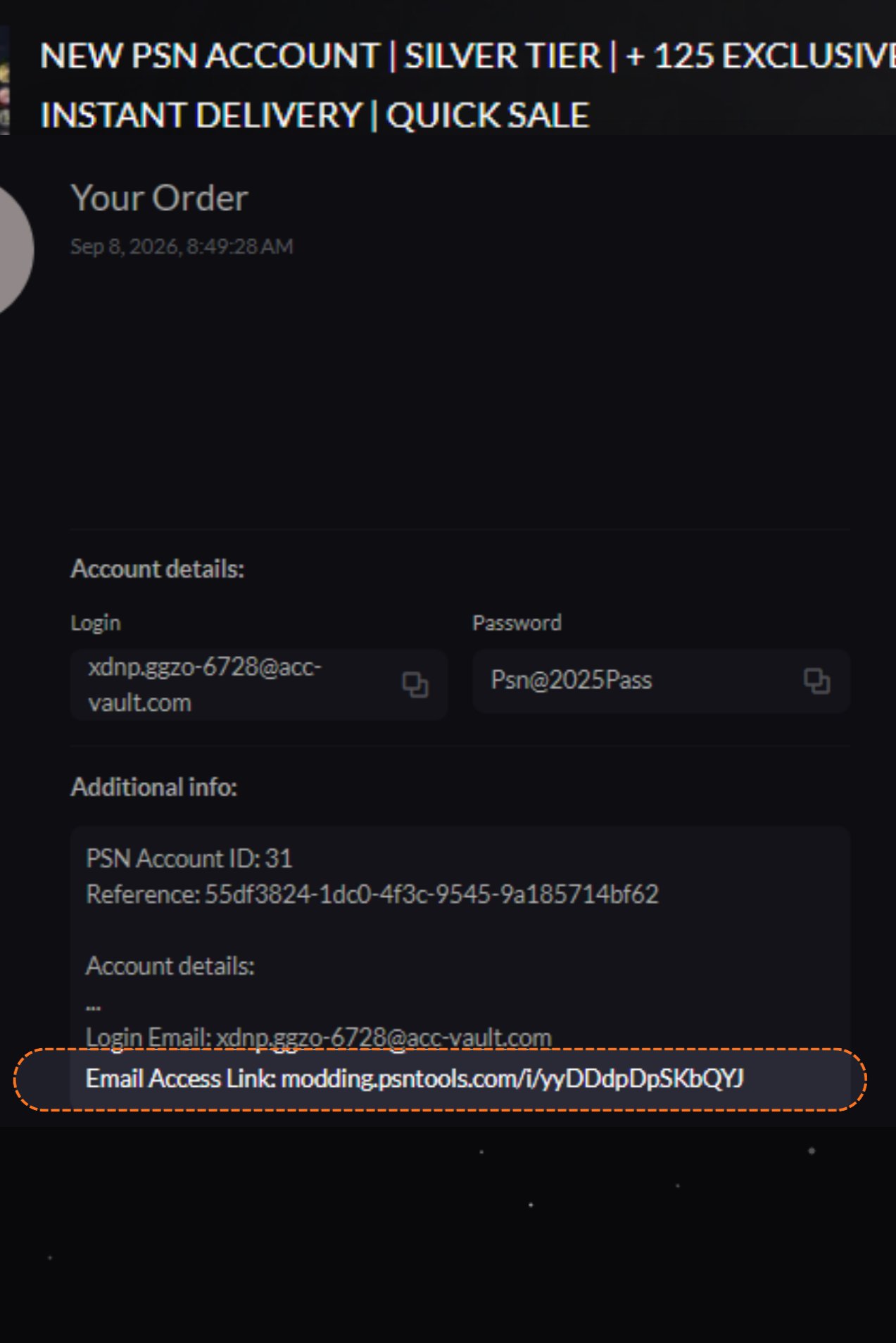
Order page, copy the email access link
2

Open the link

Paste the link into your browser and open it. A private tab is a good idea, but it works in a normal one too.
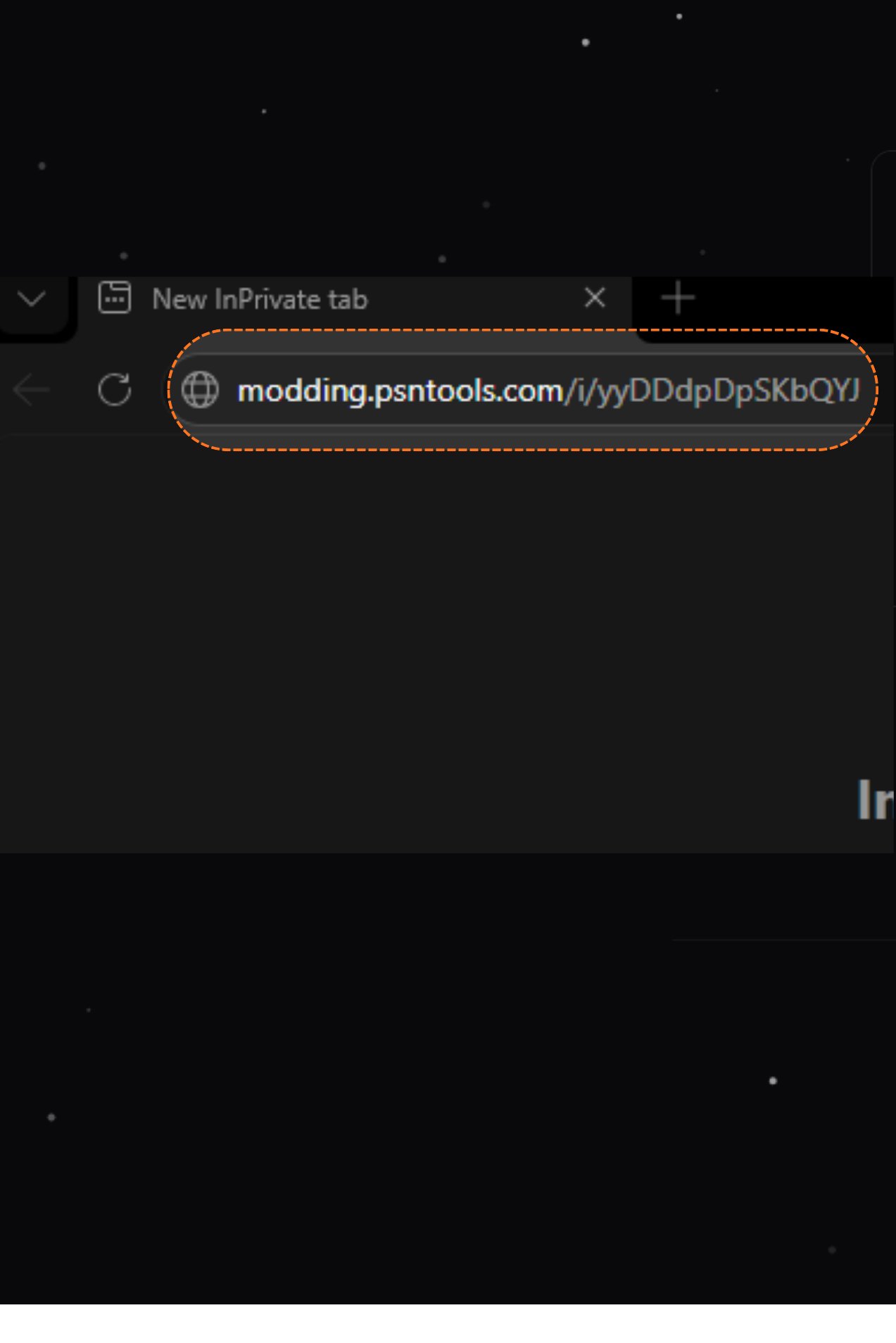
Email access link pasted into a private tab
3

Wait for verification

You’ll see Verifying your access while it checks the link. Give it a second.
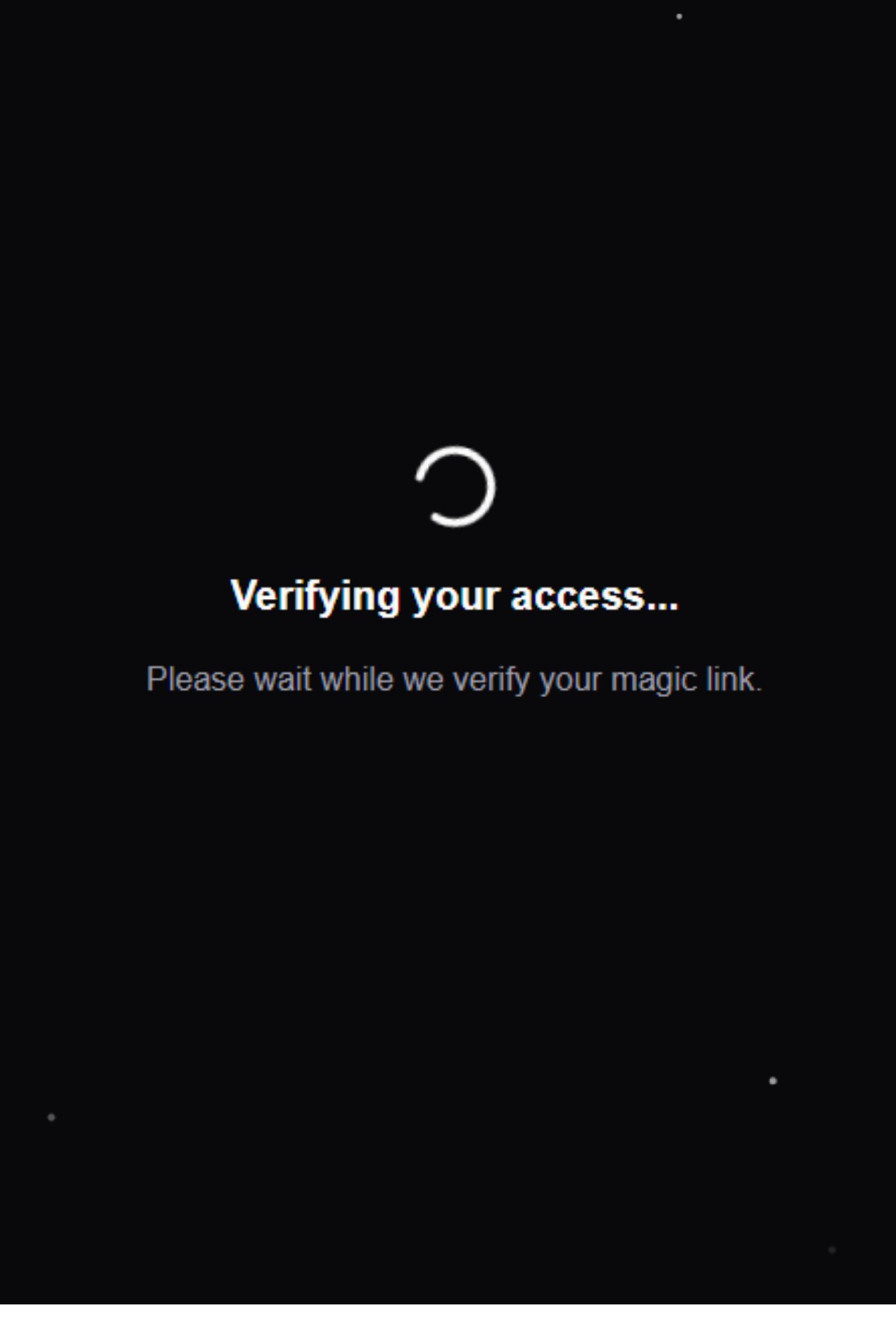
Verifying your access screen
4

You're in

That’s it. You land straight in the Inbox. No order ID, no email, nothing to type.
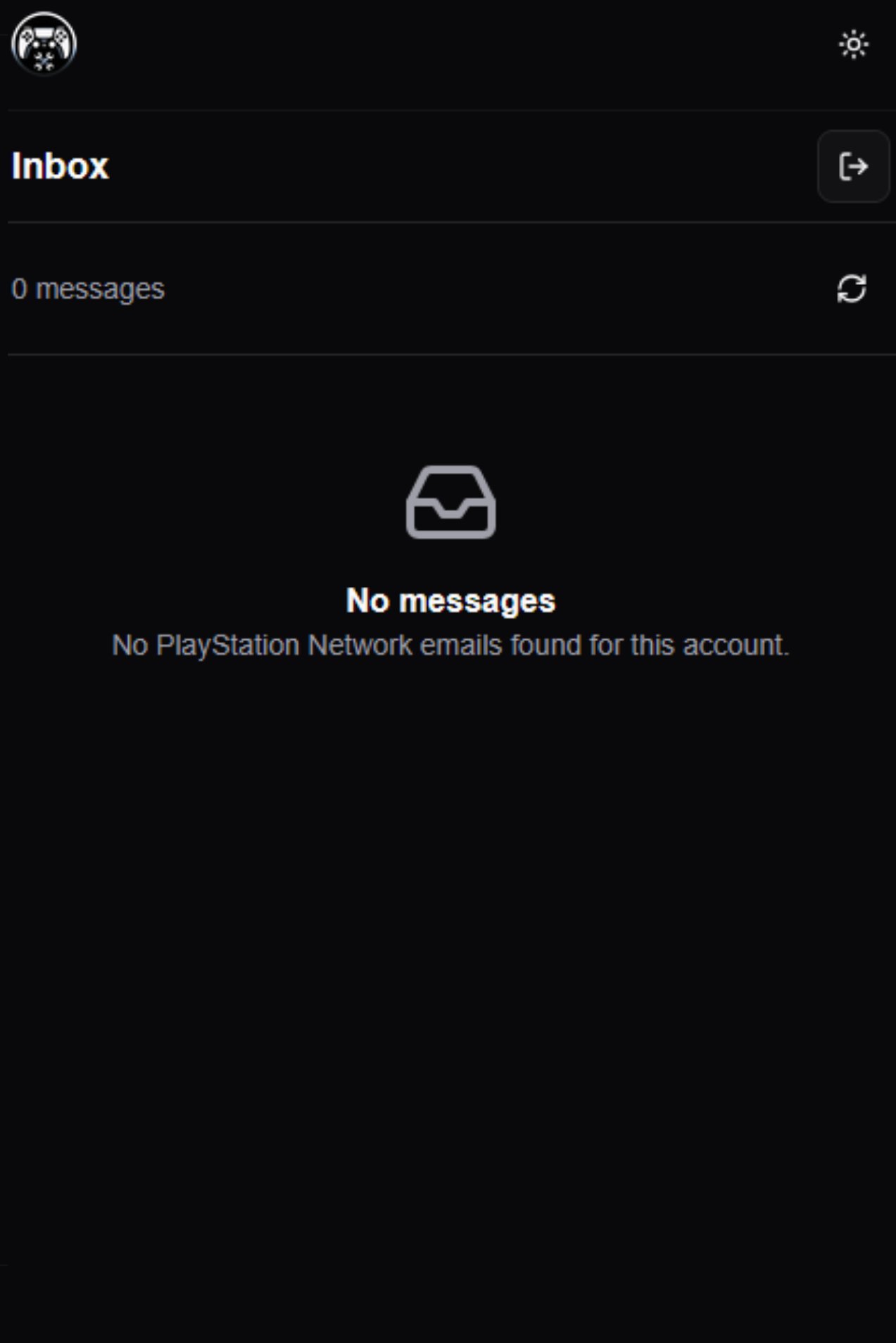
Inbox with no messages
Inbox open. Next: Change your account details.