1
Choose An Account
Go to modding.psntools.com. On the What did you buy? screen, click An Account.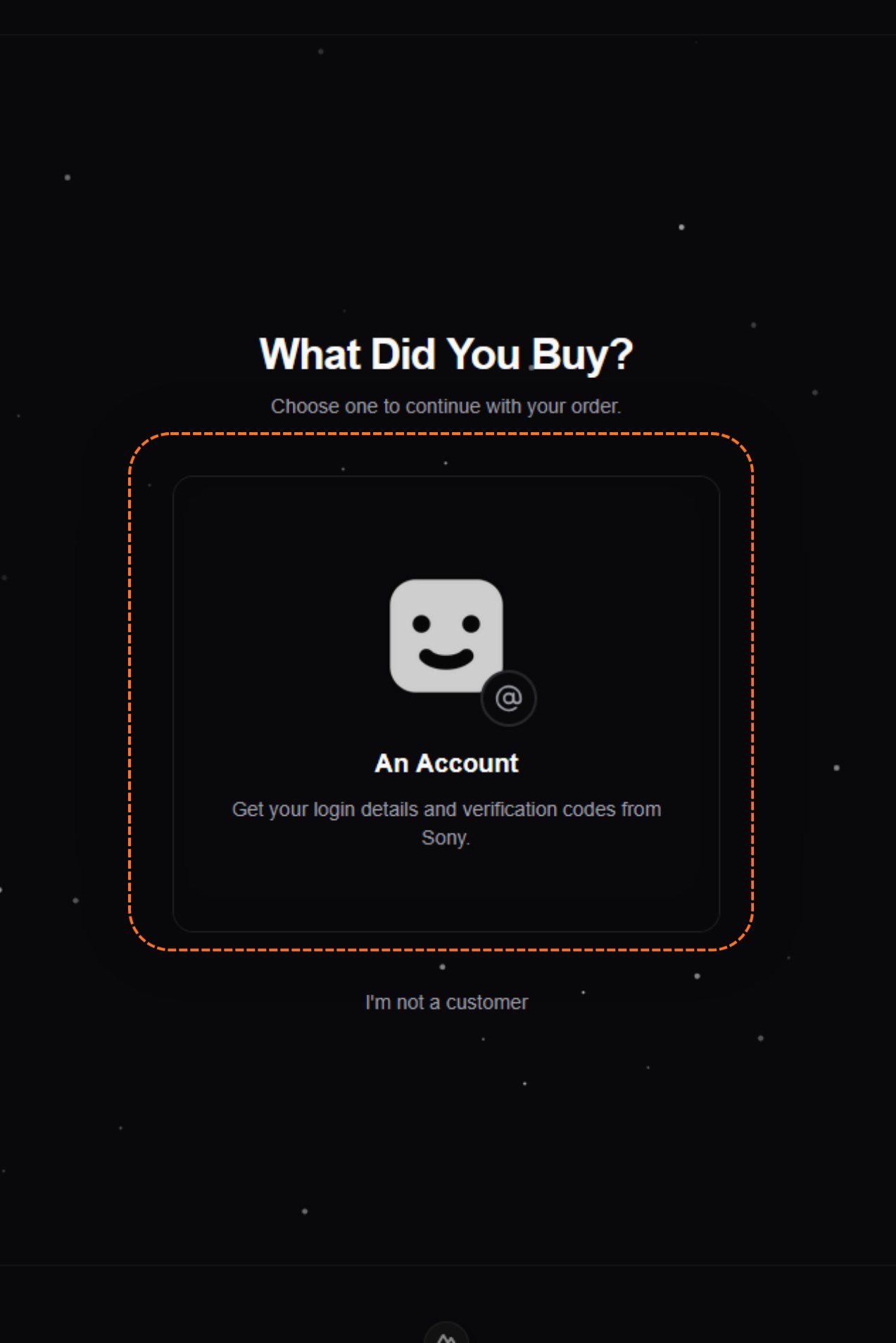
2
Fill in your order details
You land on Access your account inbox. It asks for two things: an Order ID and an Account email.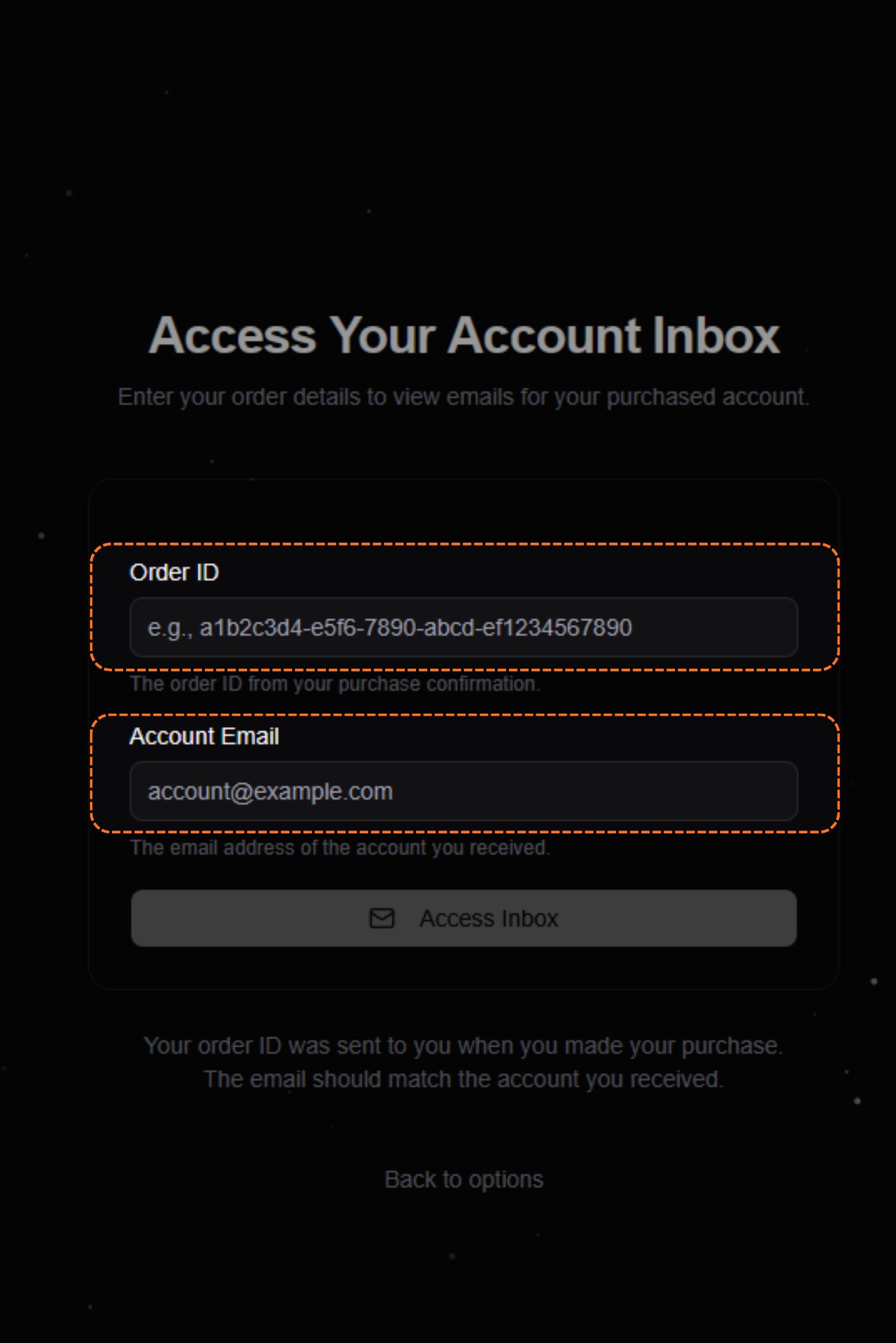
3
Copy your order ID and login email
Open your order. Copy the Order ID at the top, then copy the Login email under Account details.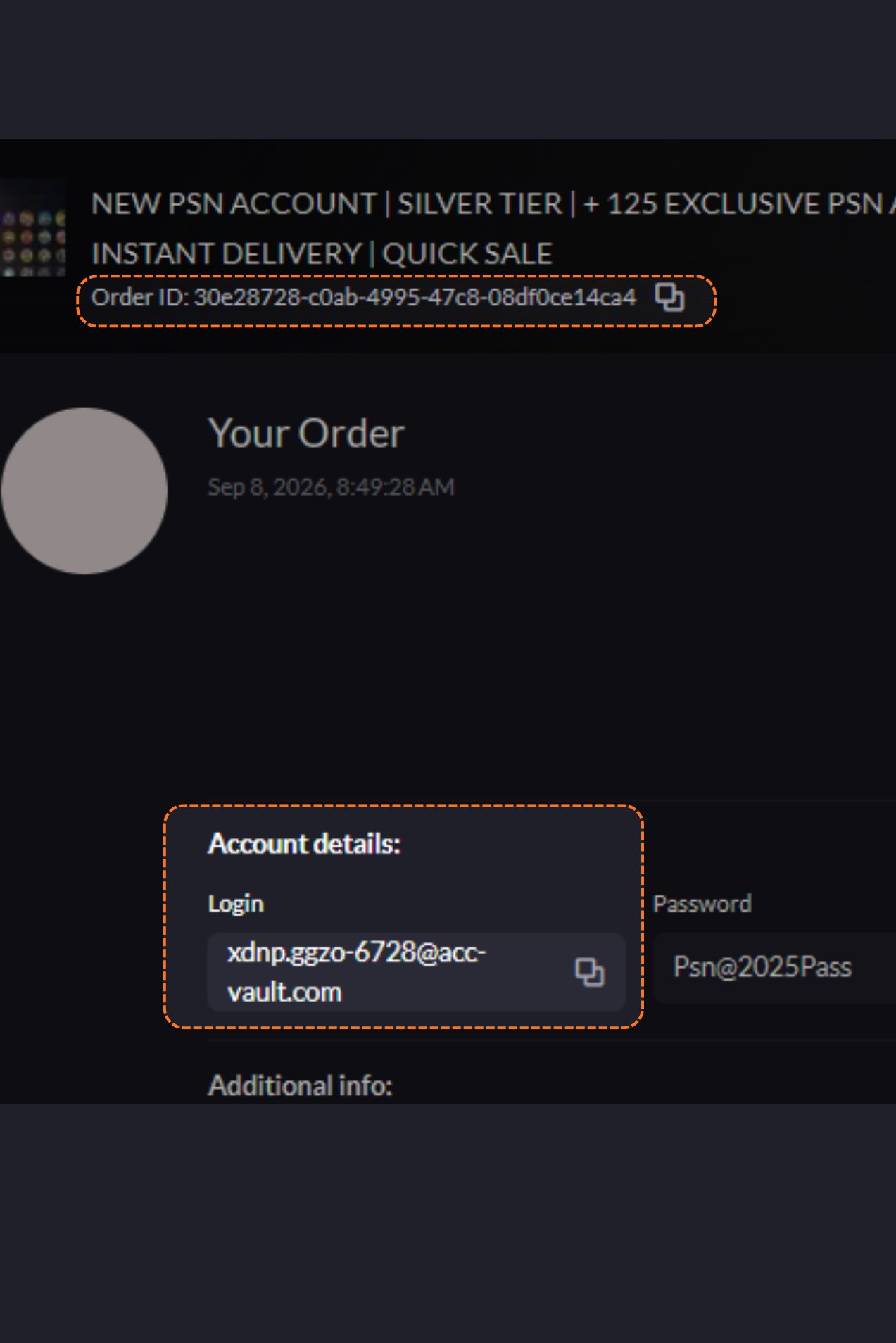
4
Access the inbox
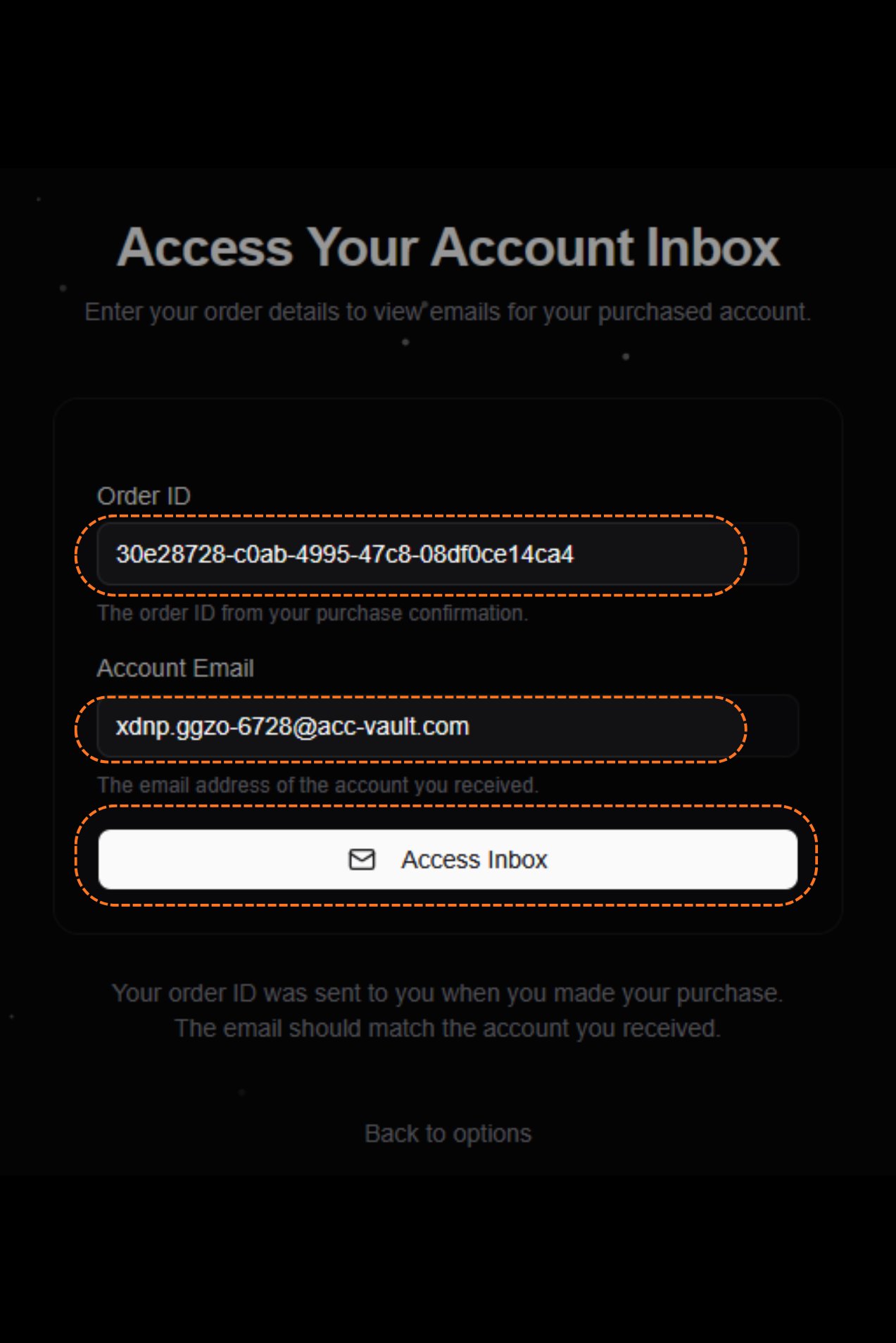
Paste the order ID and the account email into the two boxes, then click Access Inbox.