
Make sure your NPSSO cookie is fresh before using PSNTools. Sign out of PSN and sign back in if needed. NPSSO guide here.
What Is PSN Checker?
PSN Checker is a tool on PSNTools that lets you look up PlayStation accounts. You can search by username or account ID & get details like trophies, region, friends list, online ID history, & more. If you haven’t made a PSNTools account yet, check out the guide on how to create one.1
Go to PSN Checker
Head over to the PSN Checker page.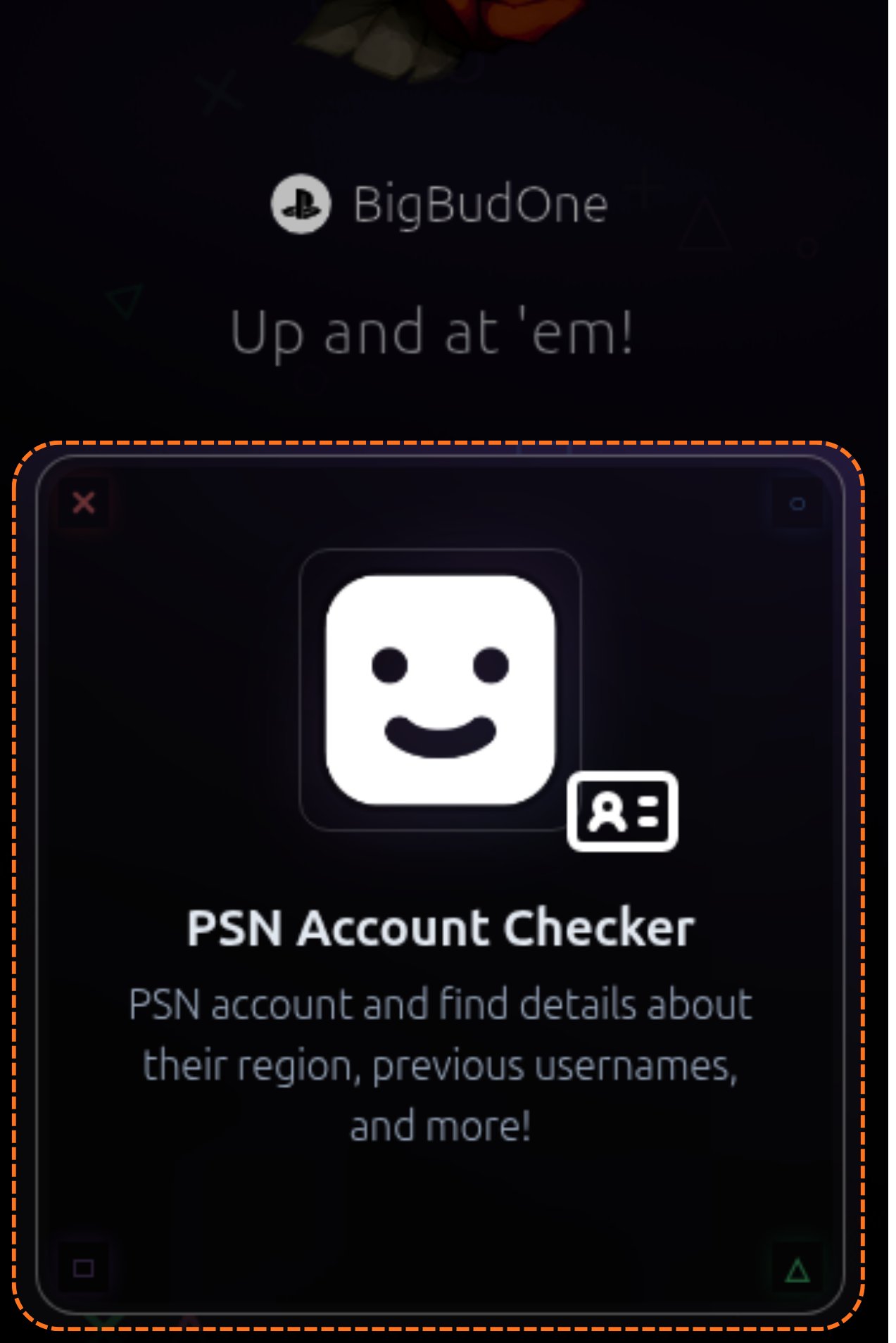
2
Enable Advanced Mode
On the checker page, click or toggle Advanced Mode. Once enabled, it will default to NP Online mode.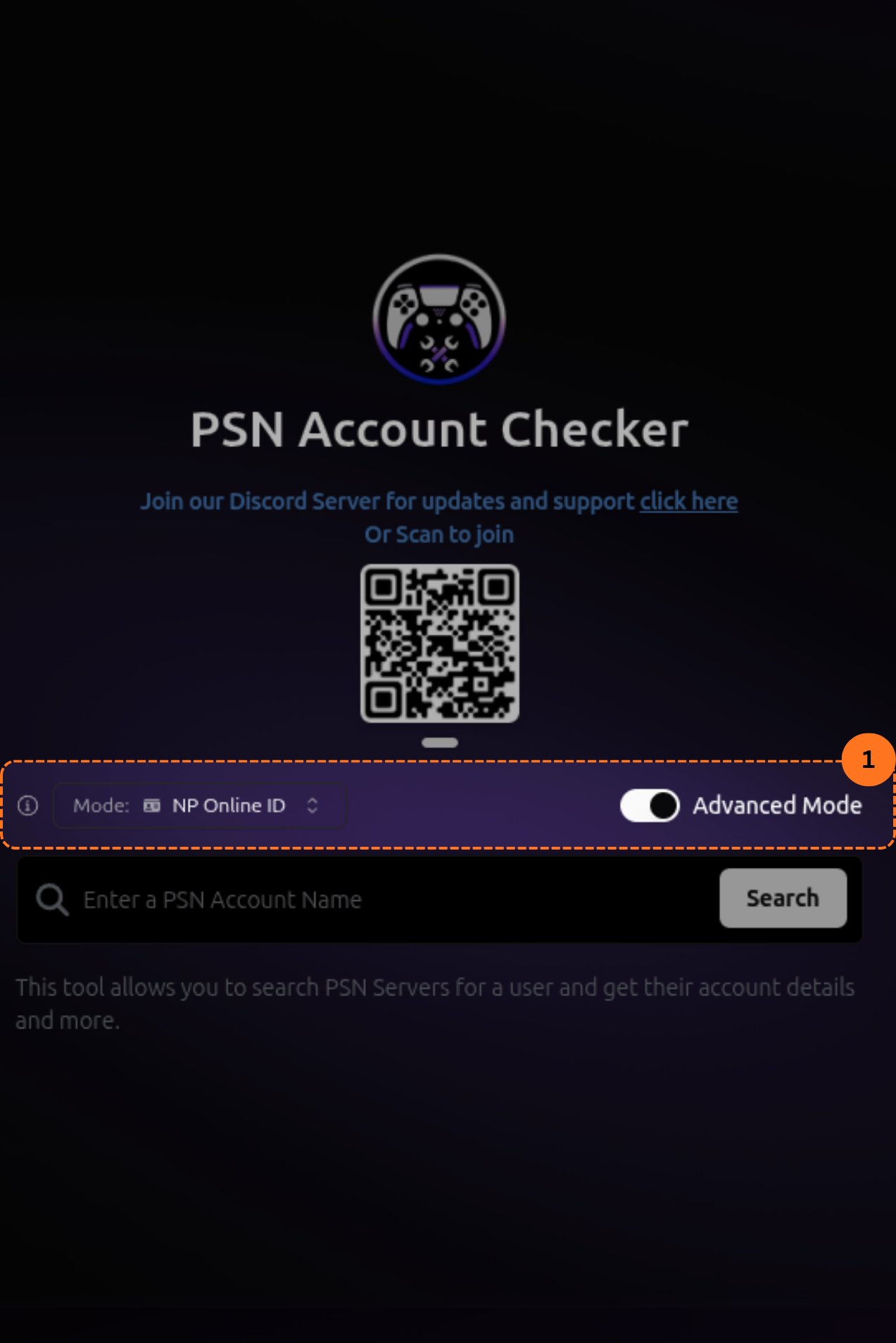
3
Choose Your Search Type
If you have a PSNTools subscription, you get more search options. You can look up accounts by: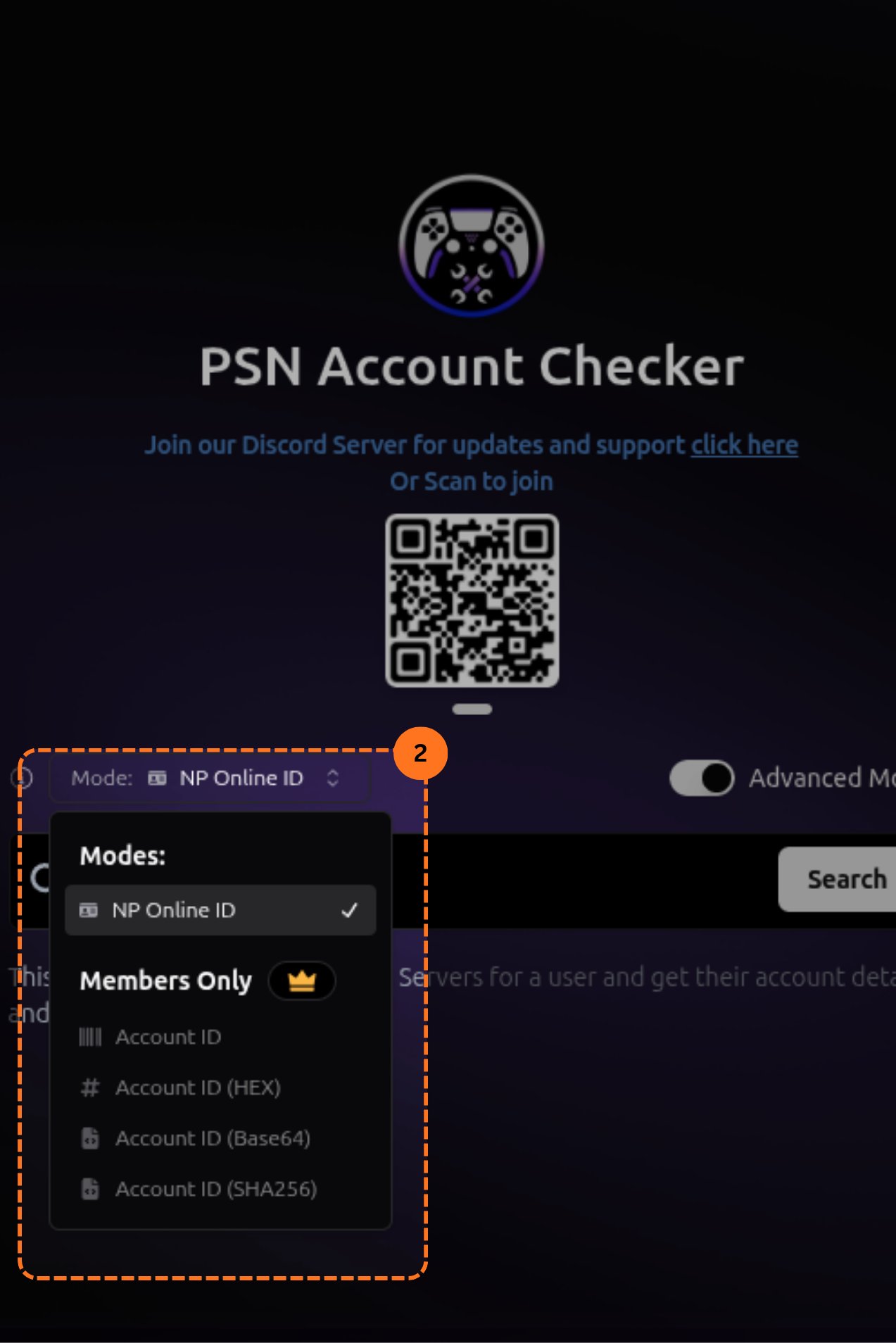
- Account ID
- Hex
- Base64
- SHA-256
4
Search for an Account
Type in the username or account ID you want to look up & hit search.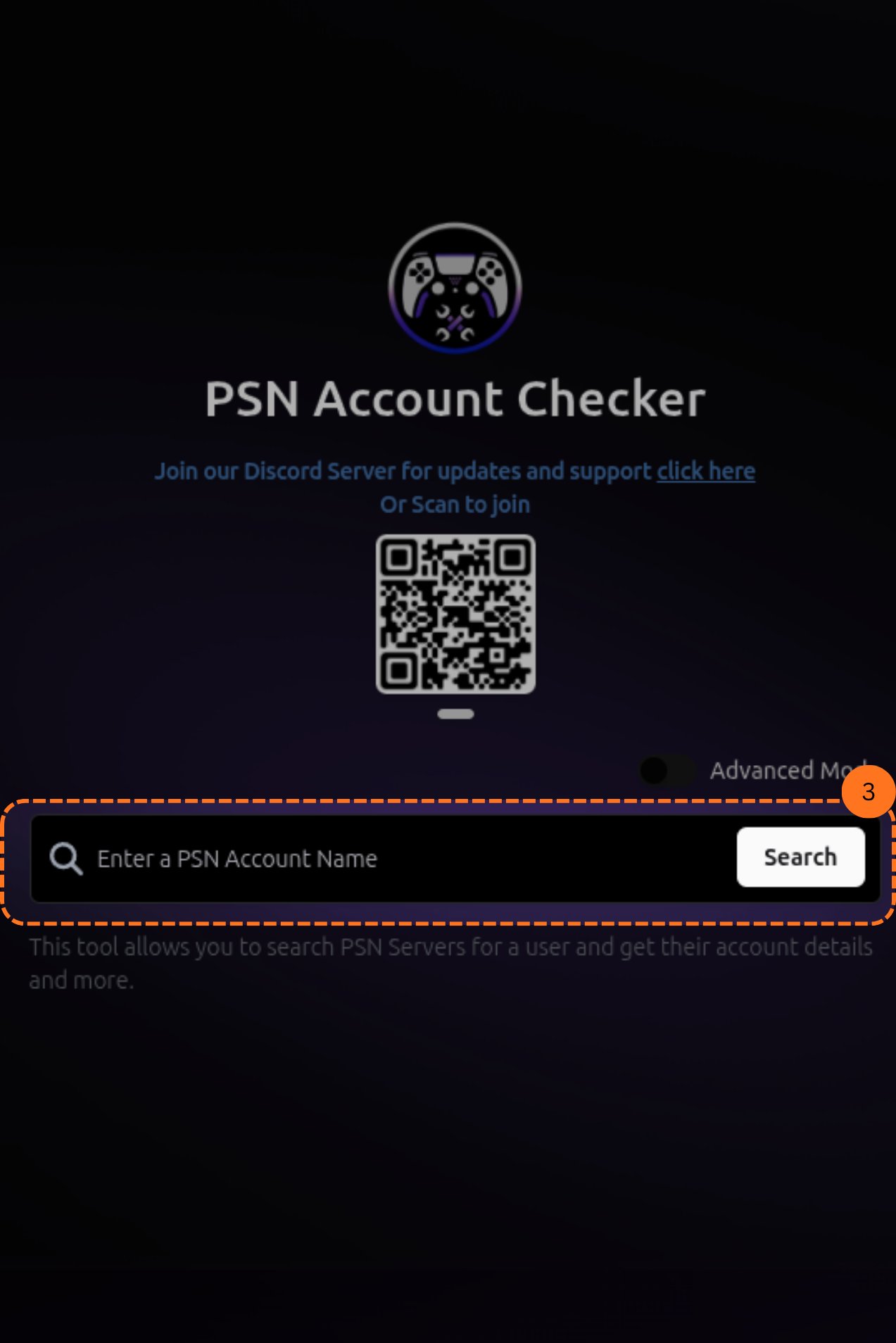
5
Read the Results
After searching, you will see the account’s details. This includes: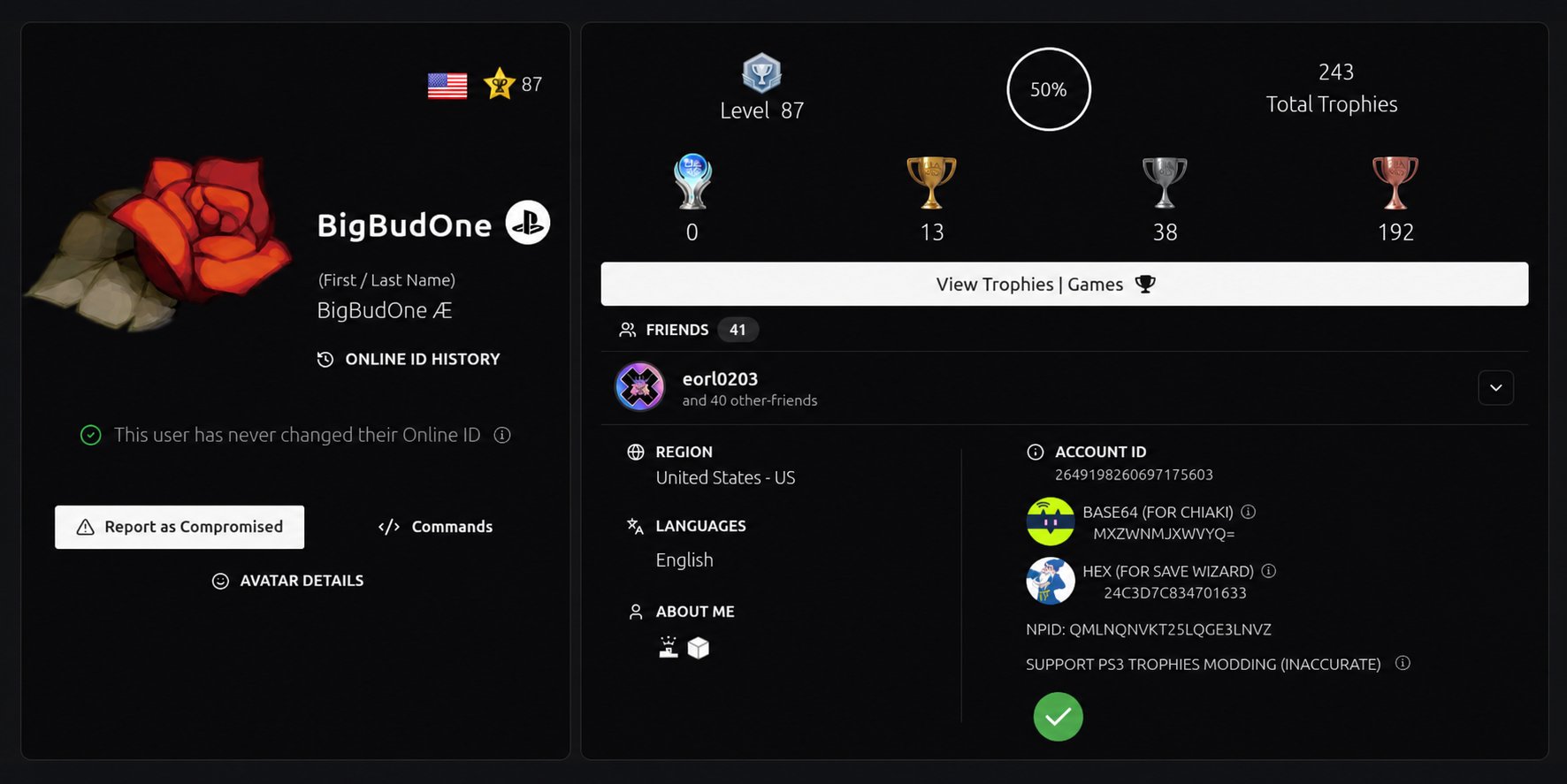
- Username (online ID)
- First & last name
- Online ID history (shows if the user has ever changed their ID)
- Region
- Trophies
- Friends list
- Account level