
1
Choose Something For My Own Account
Go to modding.psntools.com. On the What Did You Buy? screen, choose Something For My Own Account.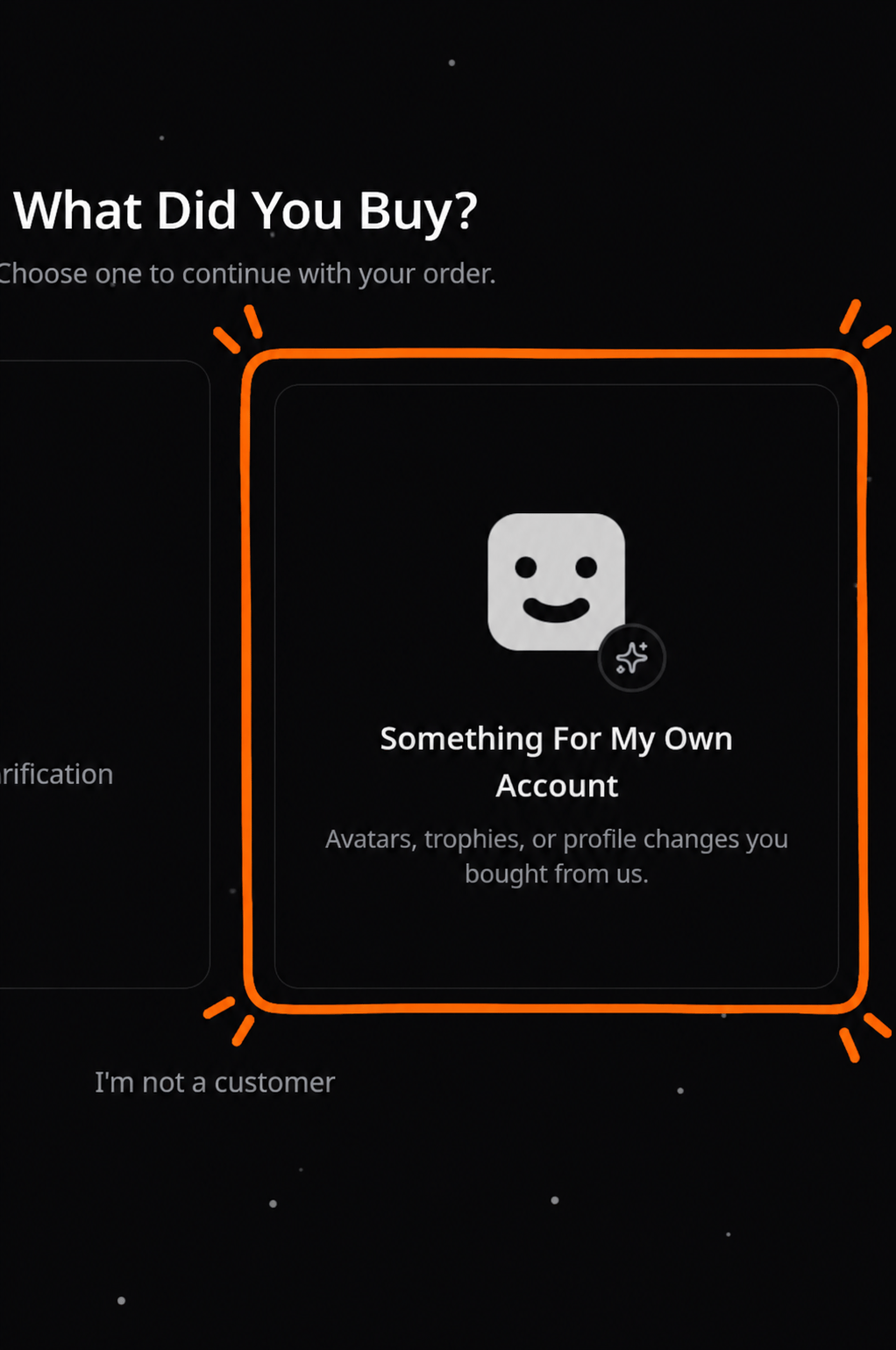
2
Log in
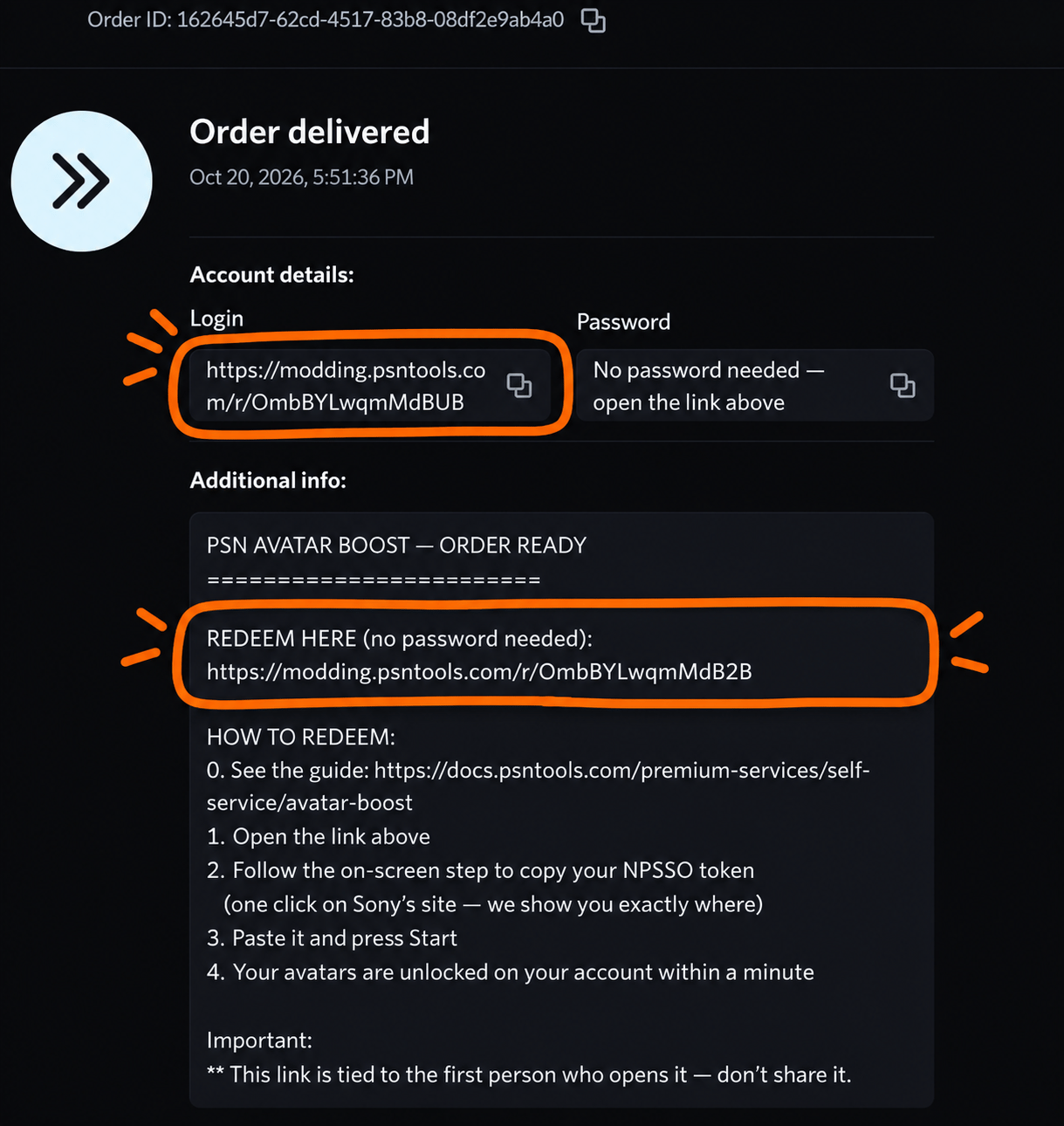
Option 1: Use your order detailsOpen your order and copy the Order ID.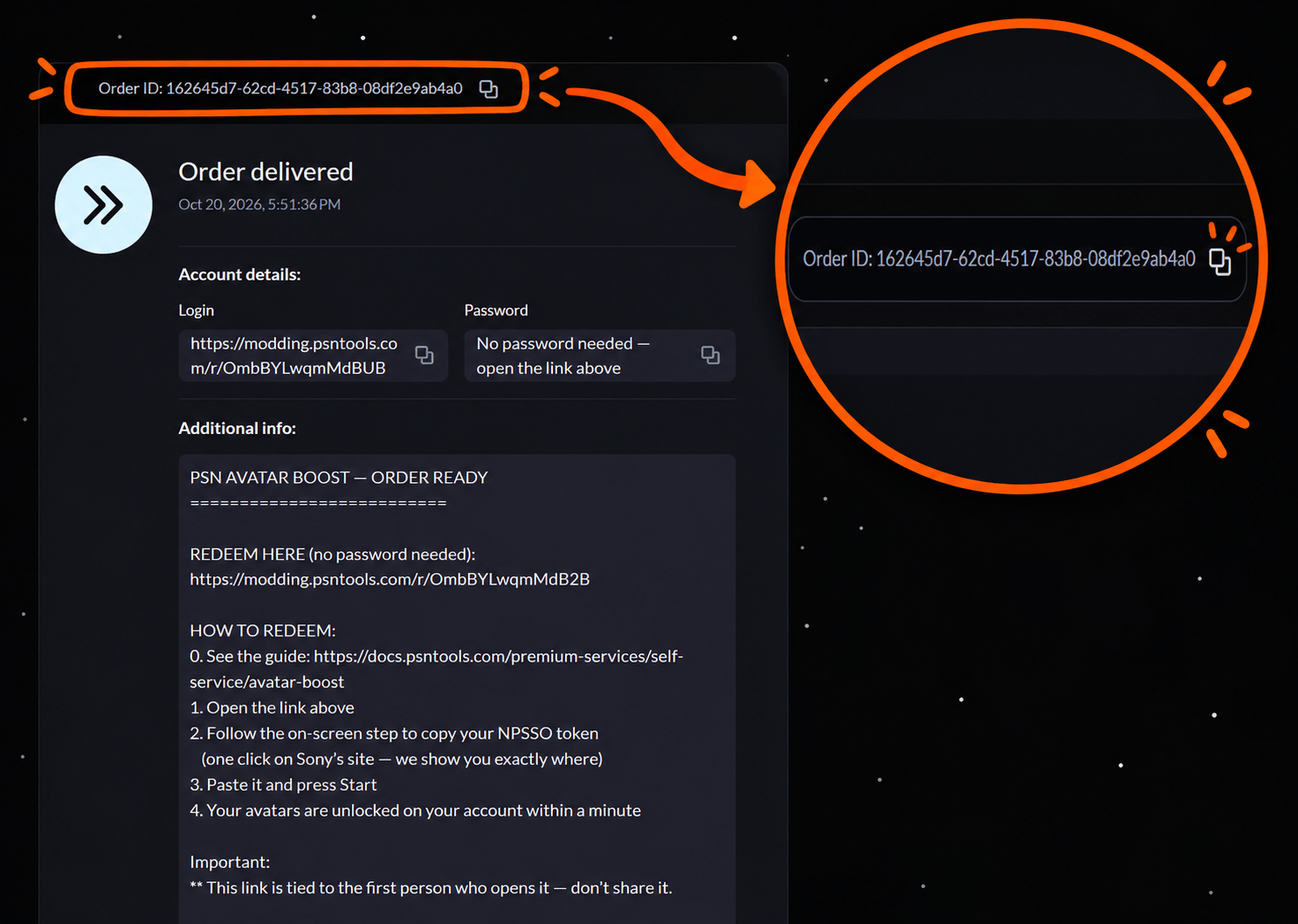
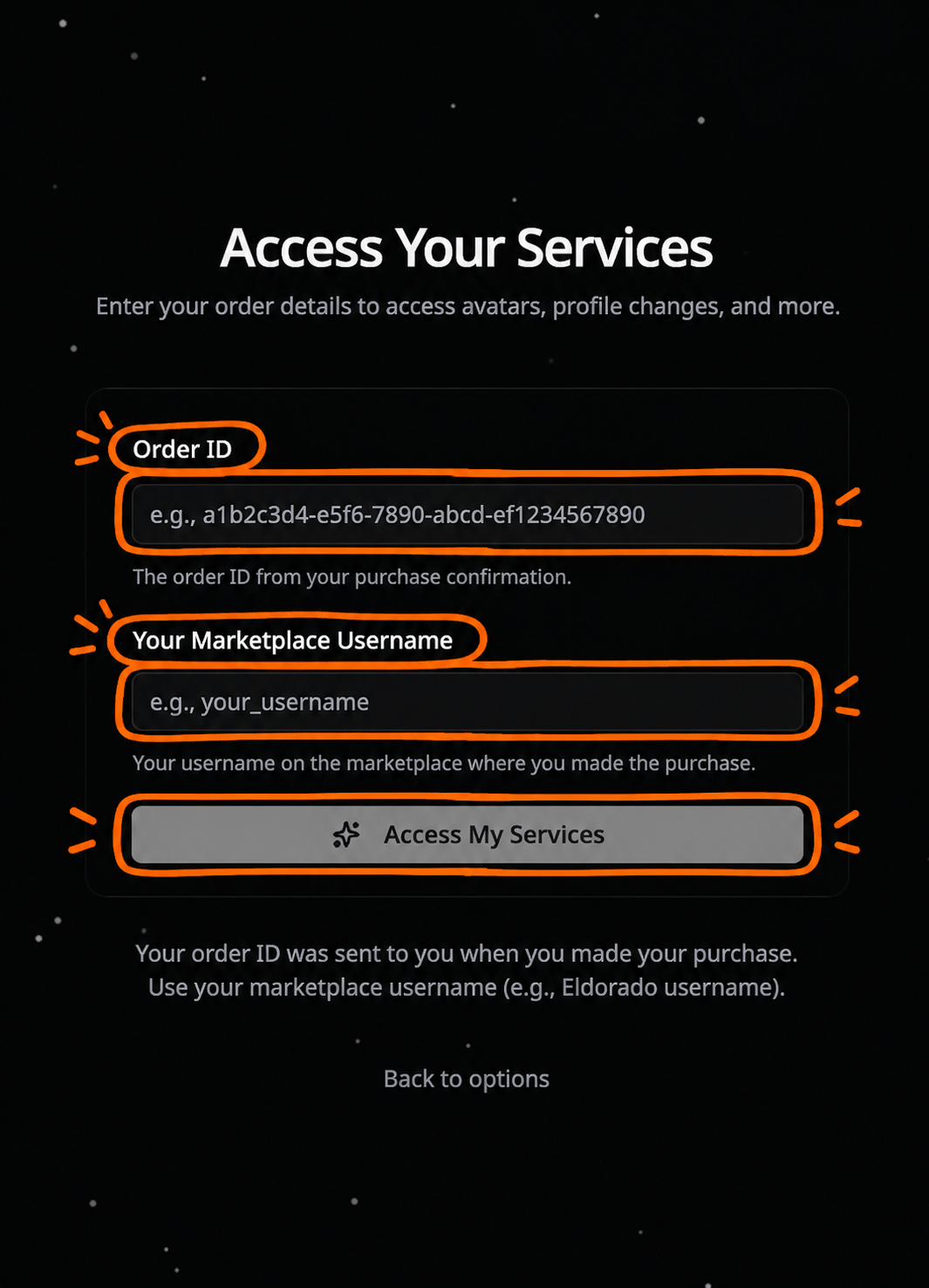
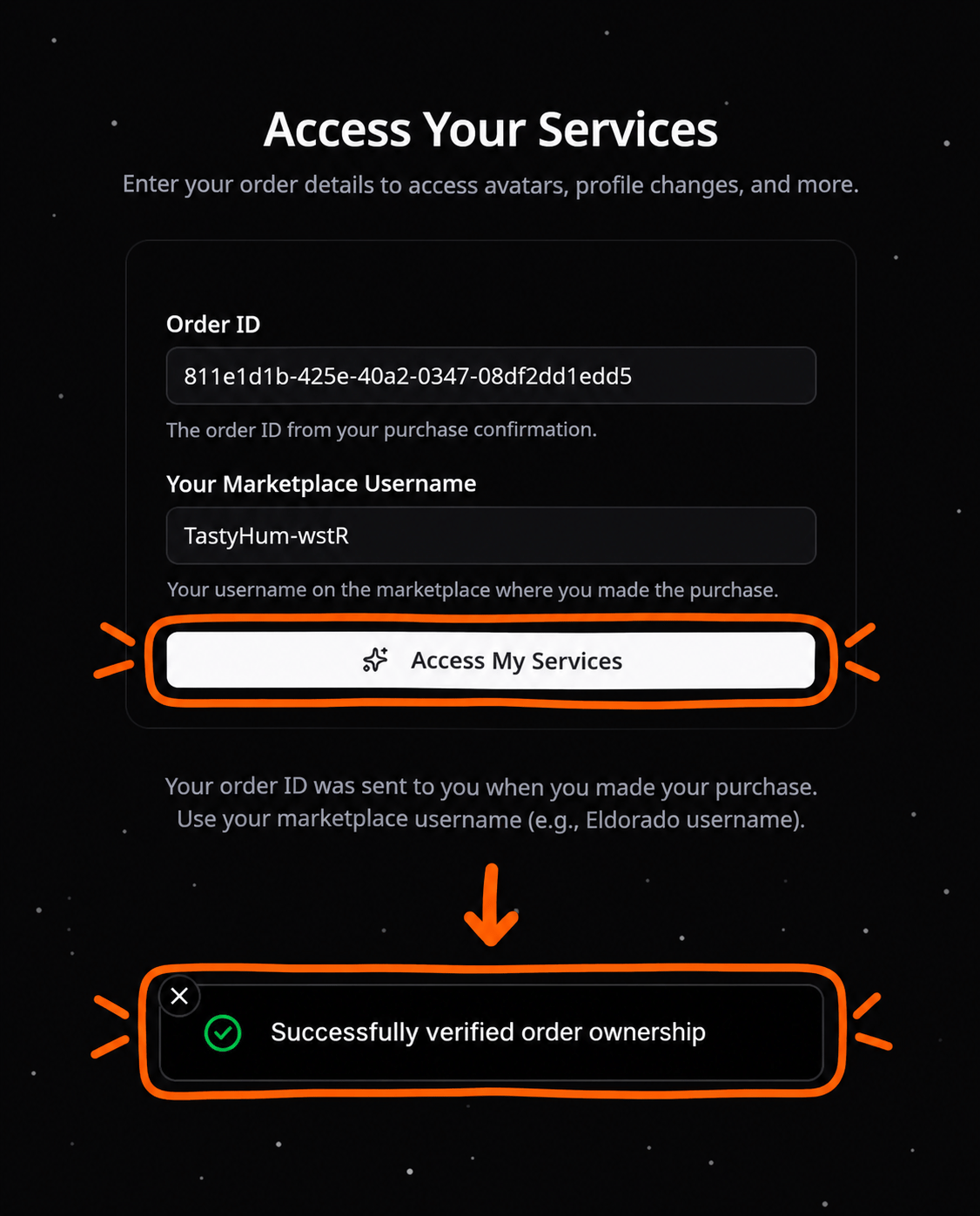
3
Connect your PlayStation account
Before you can use your services, connect your PSN account with a fresh NPSSO token. See Get your NPSSO token if you need help.Paste the token into the NPSSO Token field, then click Connect Account.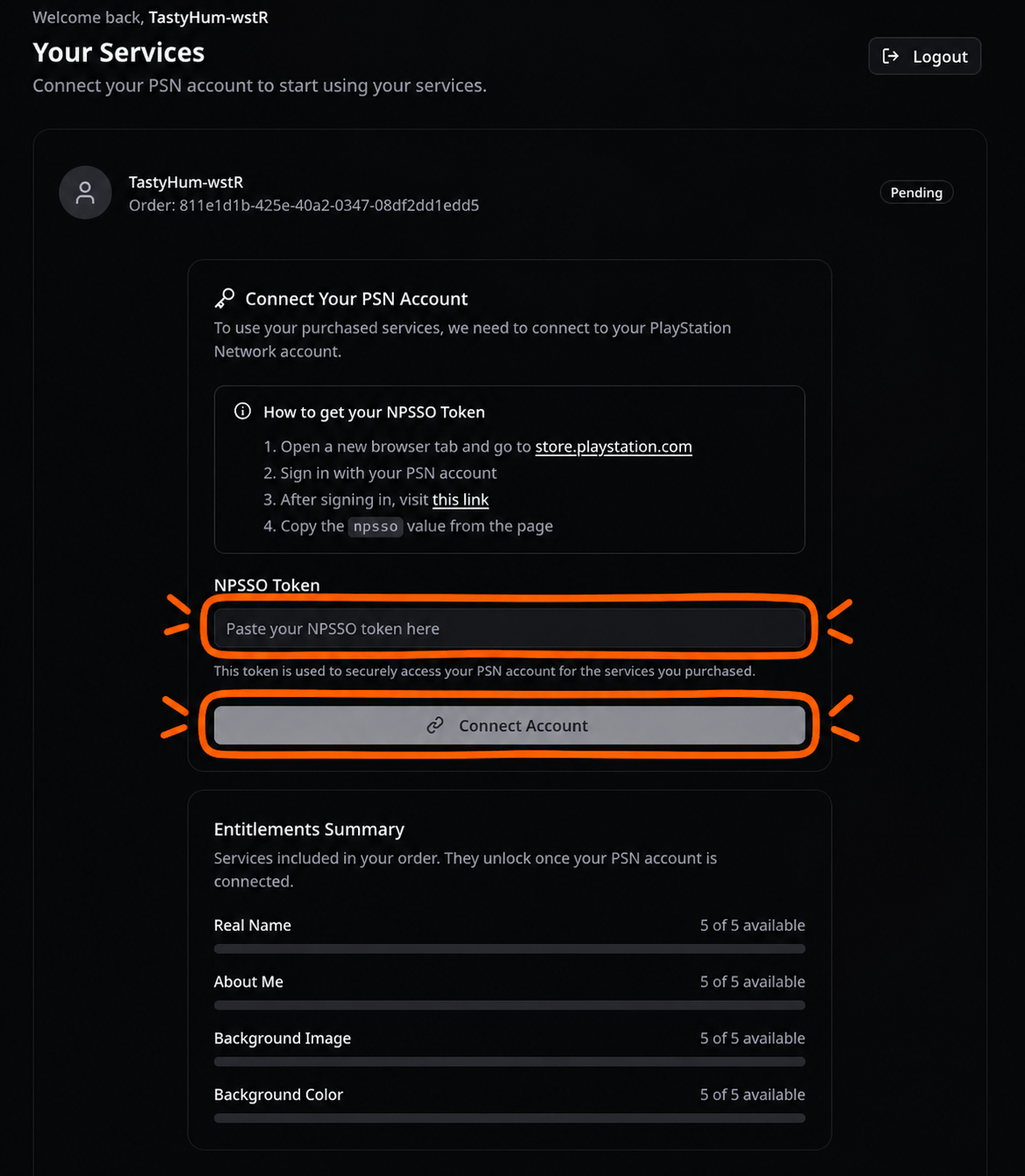
What happens next
After your account is connected, the Entitlements Summary shows what you can use. The list depends on what you bought, and each item shows how many uses are remaining. Pick the service you bought:Profile Modding
Change your real name, About Me, background color, and background image.
Avatar Adding
Add free PSN avatars to your account.