Prefer to watch? Video tutorial
Prefer to watch? Video tutorial
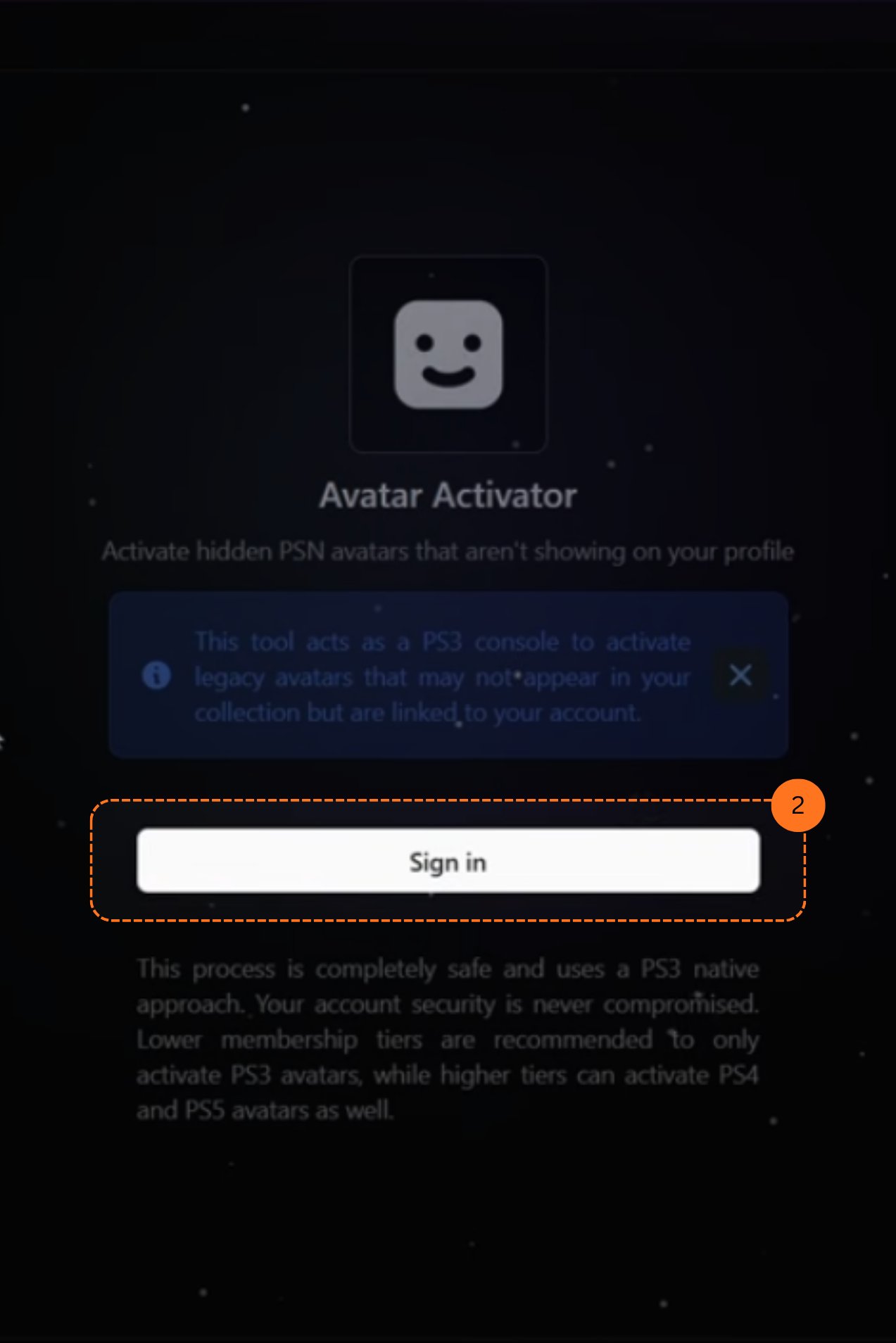
Make sure your NPSSO cookie is fresh before using PSNTools. Sign out of PSN and sign back in if needed. NPSSO guide here.
Go to Avatar Activator
Head over to the Avatar Activator page, or find the Avatar Activator section and click it.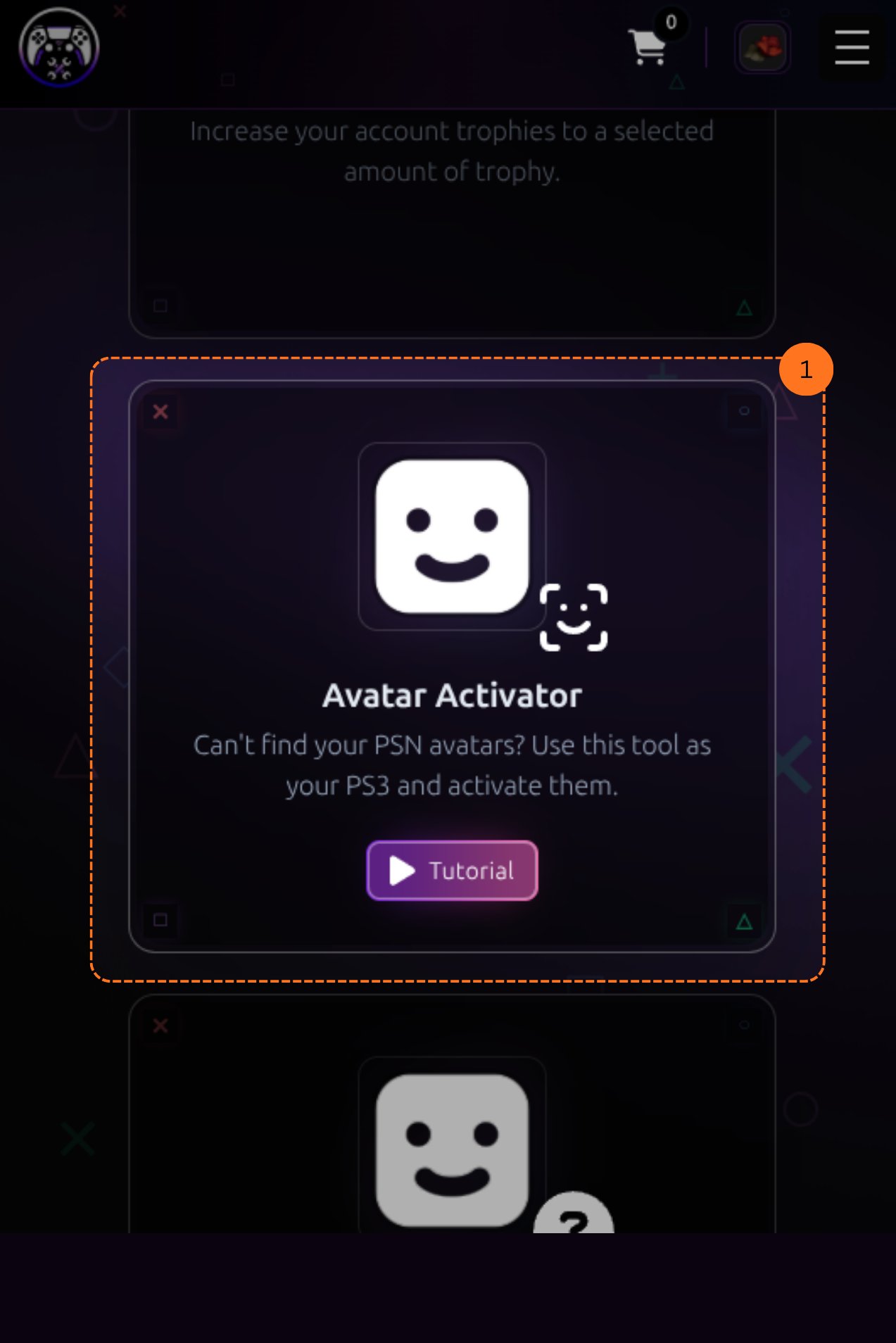
Choose an Avatar
You will see a catalog of avatars to choose from. Pick the one you want to activate on your account, then click Activate.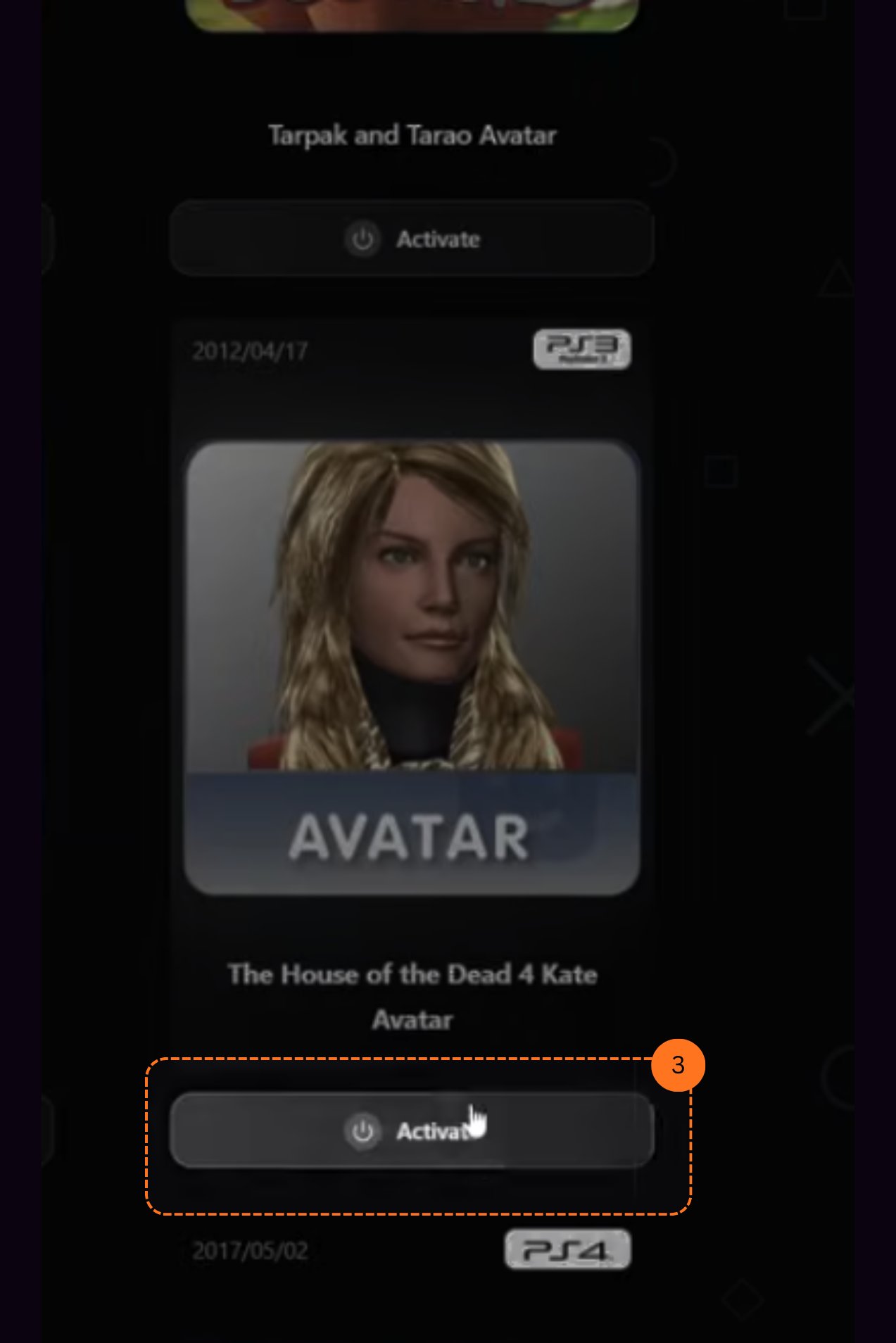
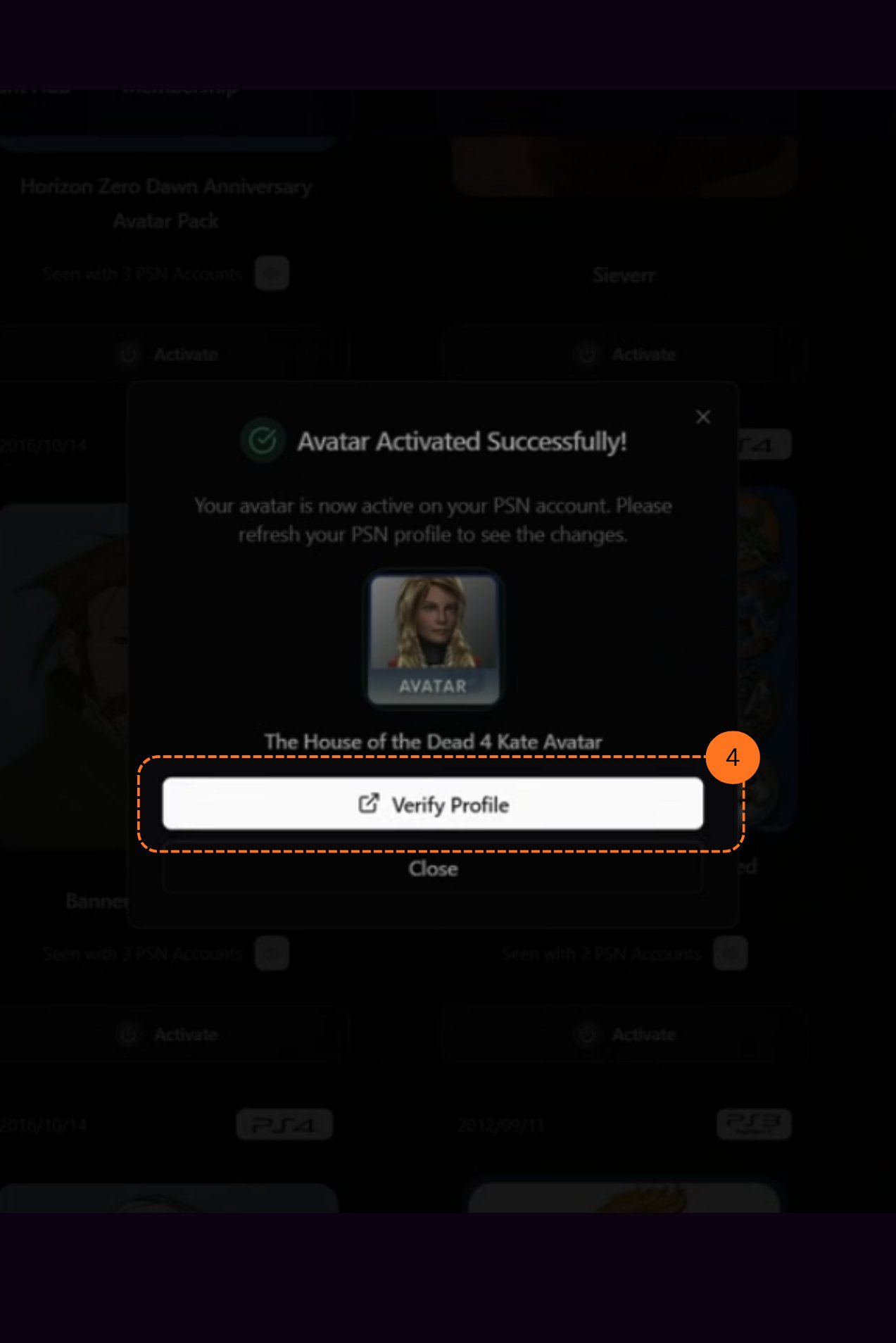
Avatar Activated
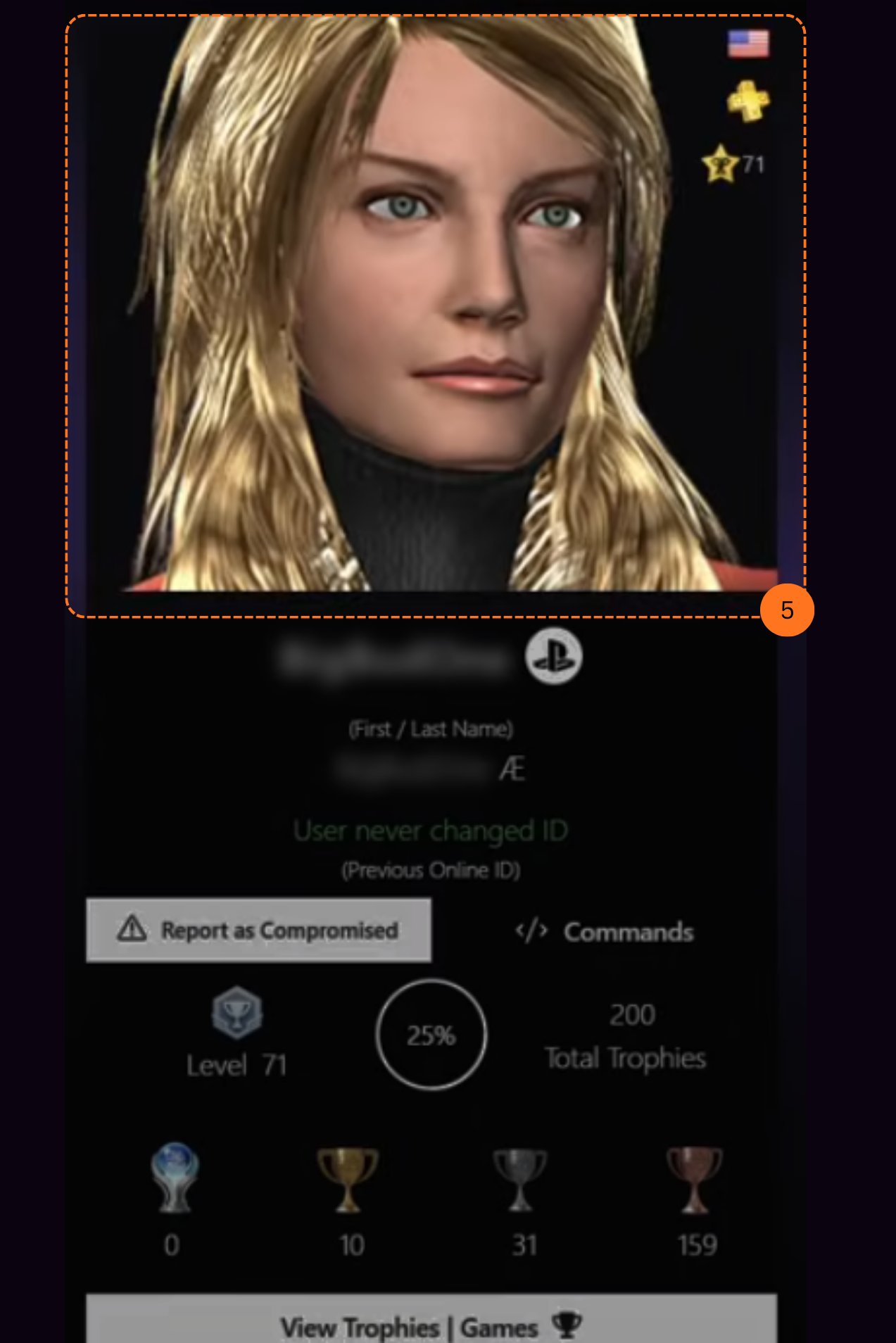
A pop-up will appear saying Avatar activated successfully. In the same pop-up, click the Verify Profile button.