
Prefer to watch? Video tutorial
Prefer to watch? Video tutorial
Make sure your NPSSO cookie is fresh before using PSNTools. Sign out of PSN and sign back in if needed. NPSSO guide here.
Go to PSN Profile Modder
Head over to the PSNTools homepage and find the PSN Profile Modder section. Click it to get started.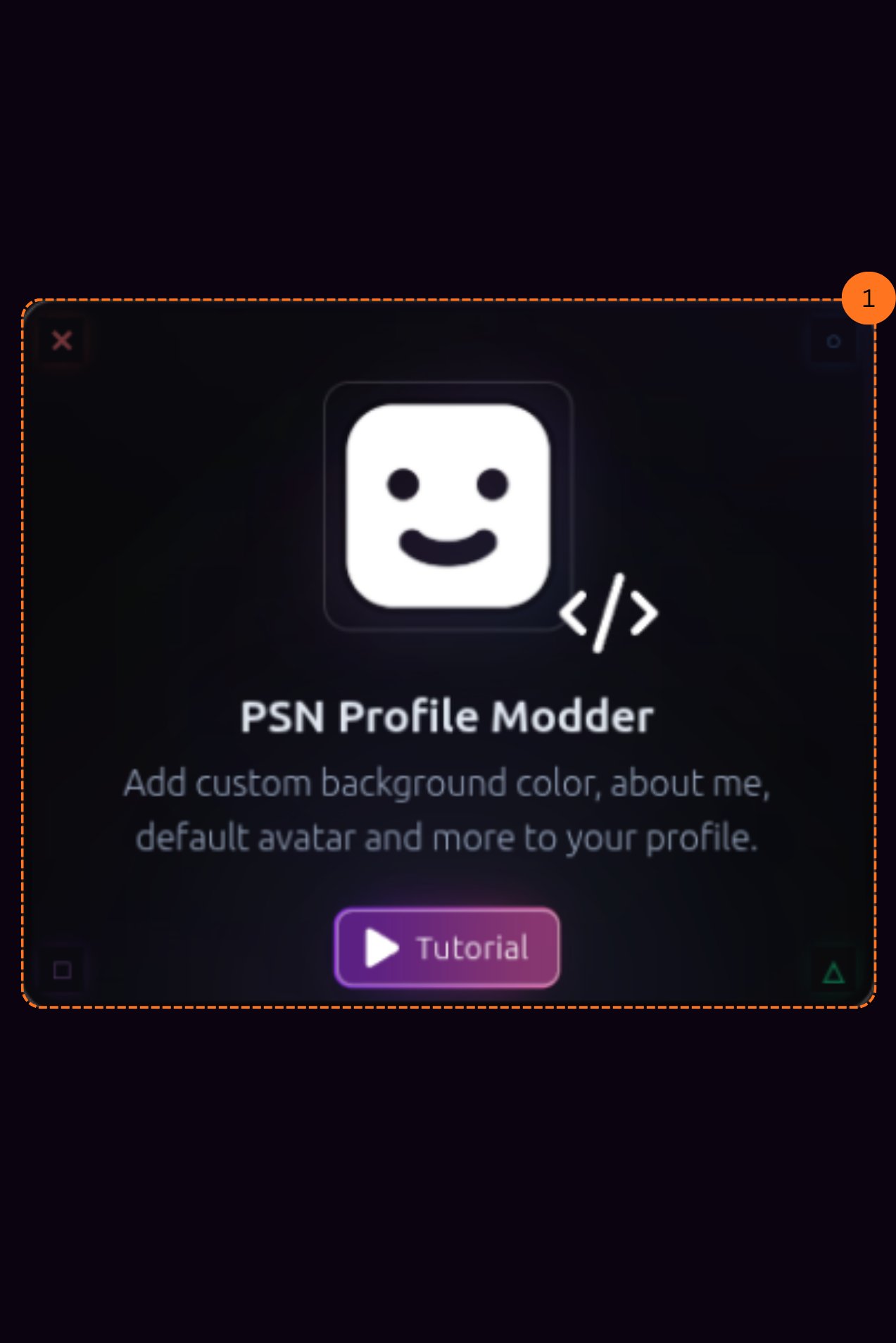
Reset Your Avatar
After clicking Profile Modder, it will ask you to load your profile.You can reset your avatar to default. This lets you get the default PlayStation avatar, the same one you get when creating a brand new account.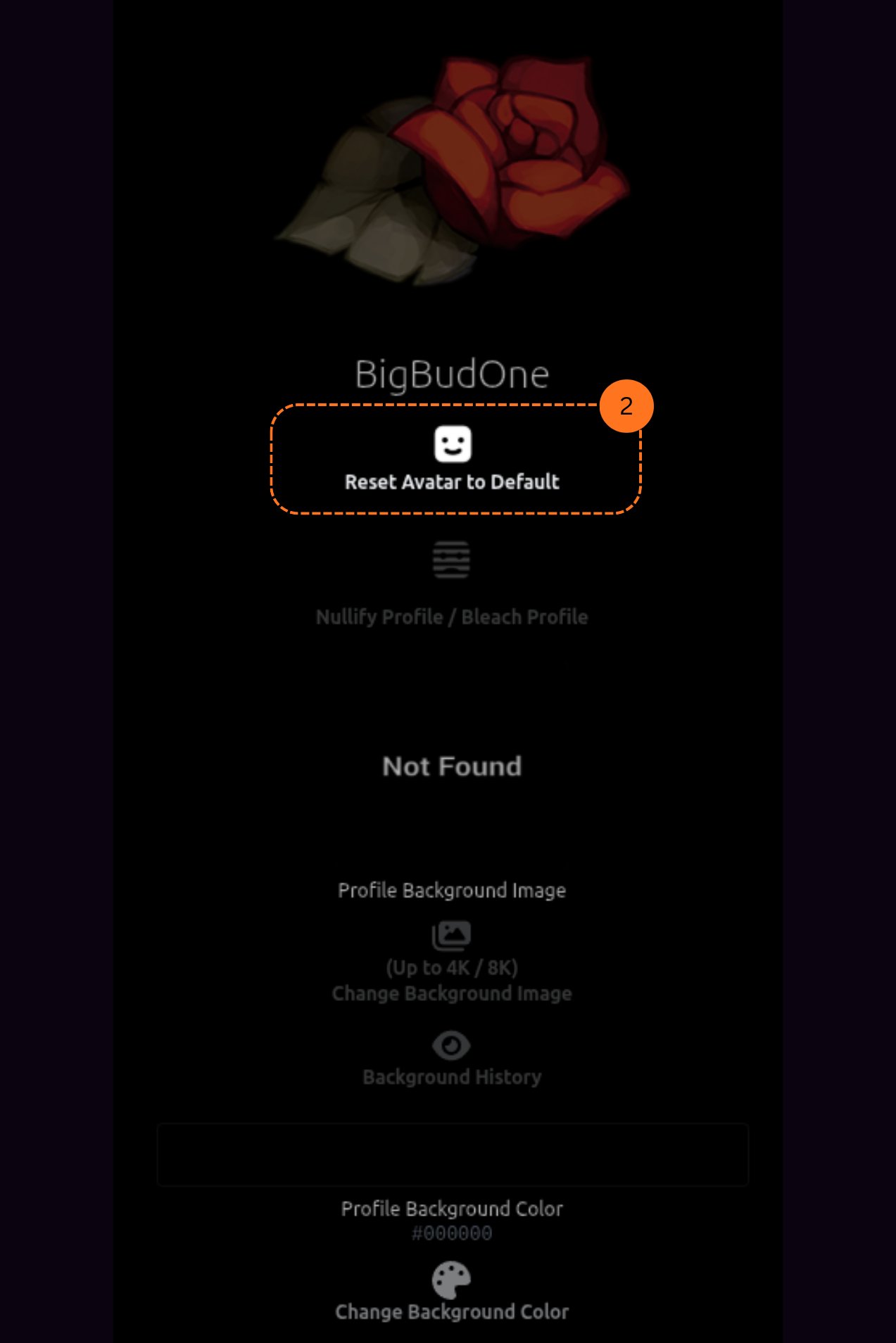
Change Your Background Image
You can also change your profile background image. You will be able to browse your background history and pick from previous backgrounds you have used.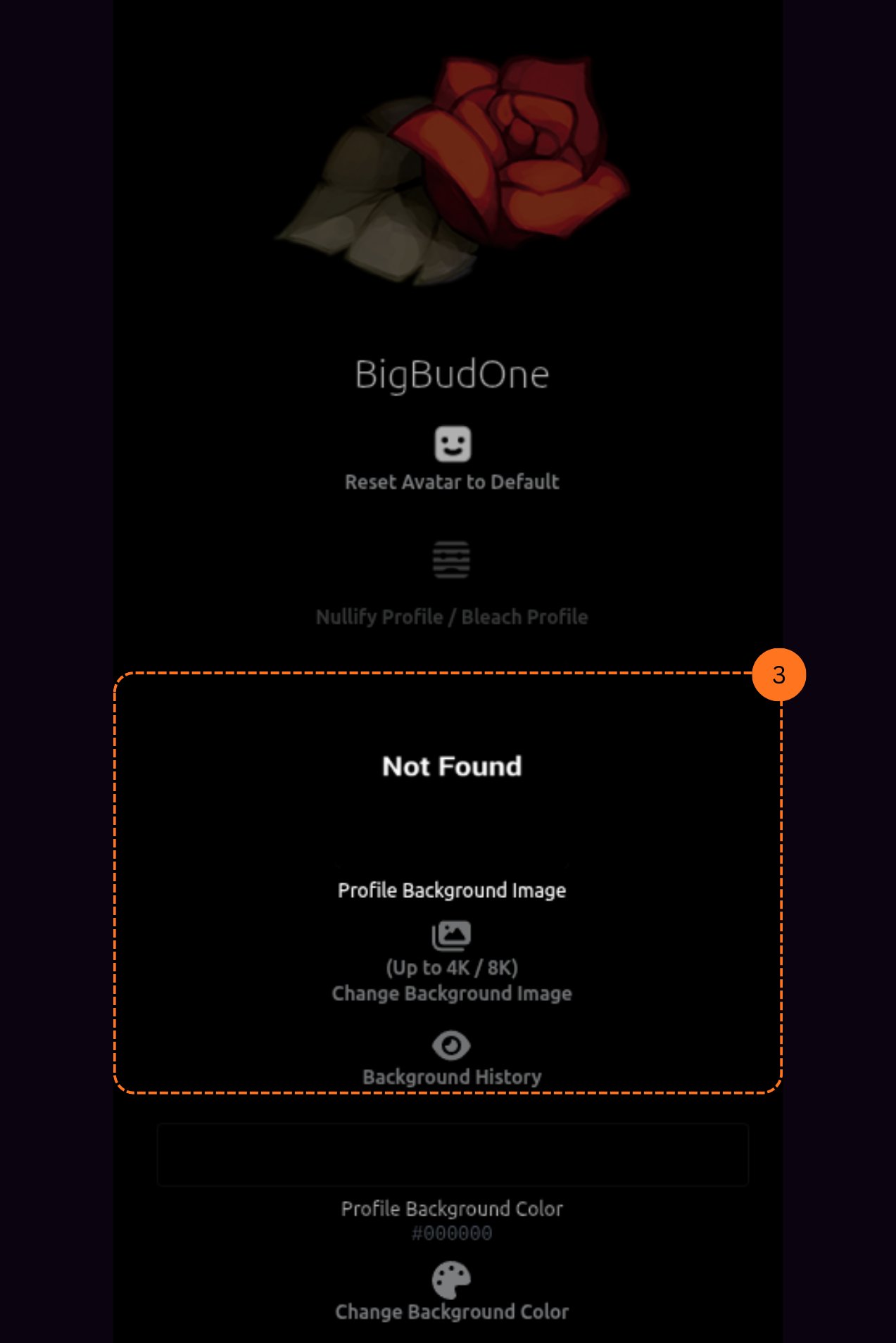
Change Your Profile Background Color
You can change your profile background color. Pick any color you want to customize your profile look.
Customize Your About Me
You can edit your custom about me section. Add symbols, special characters, and whatever text you want to show on your profile.
