Documentation IndexFetch the complete documentation index at: /llms.txtUse this file to discover all available pages before exploring further.
Fetch the complete documentation index at: /llms.txt
Use this file to discover all available pages before exploring further.
Step-by-step guide on how to reset and change your PSNTools account password using the forgot password feature.
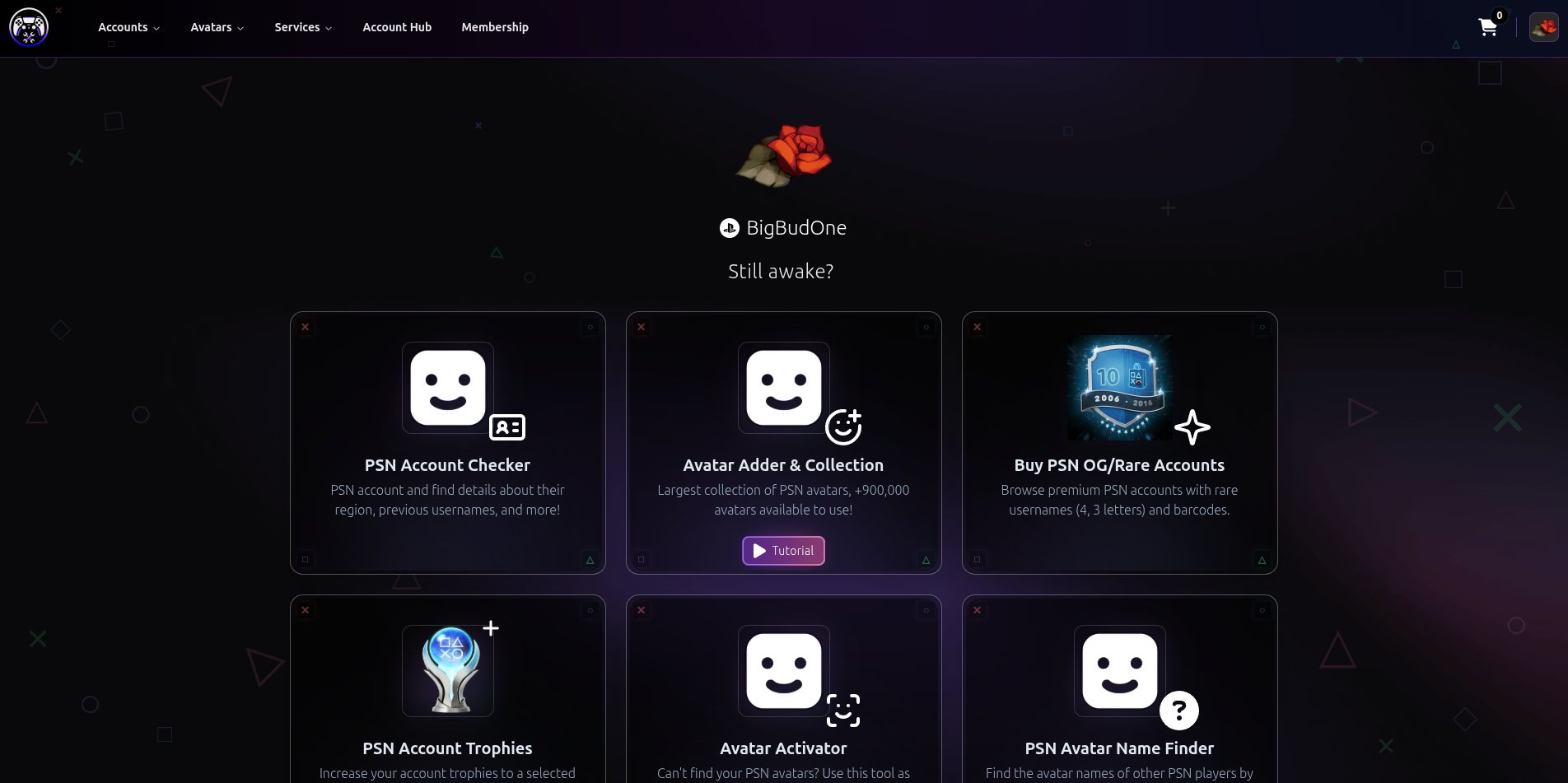
Go to PSNTools
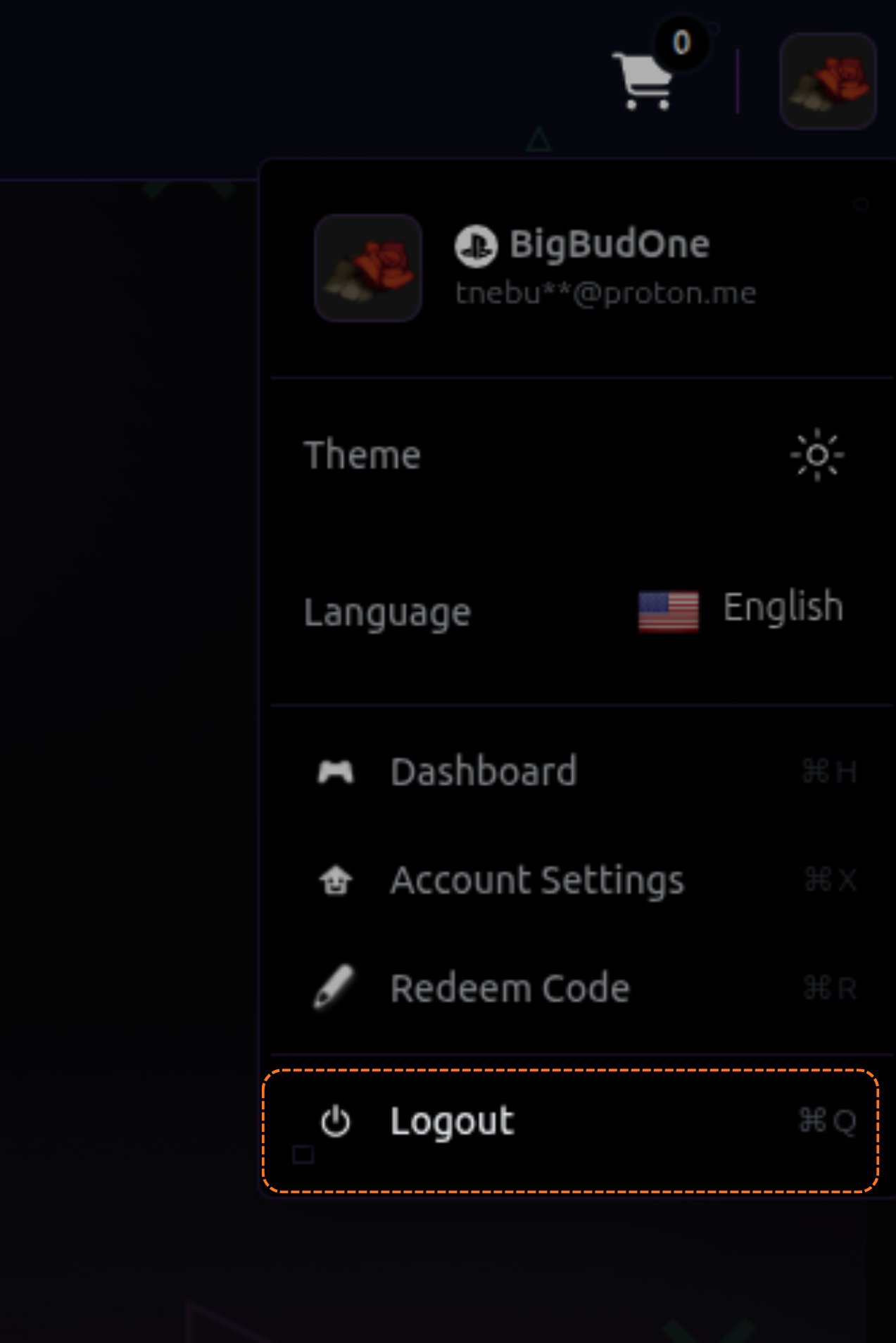
Log Out of Your Account
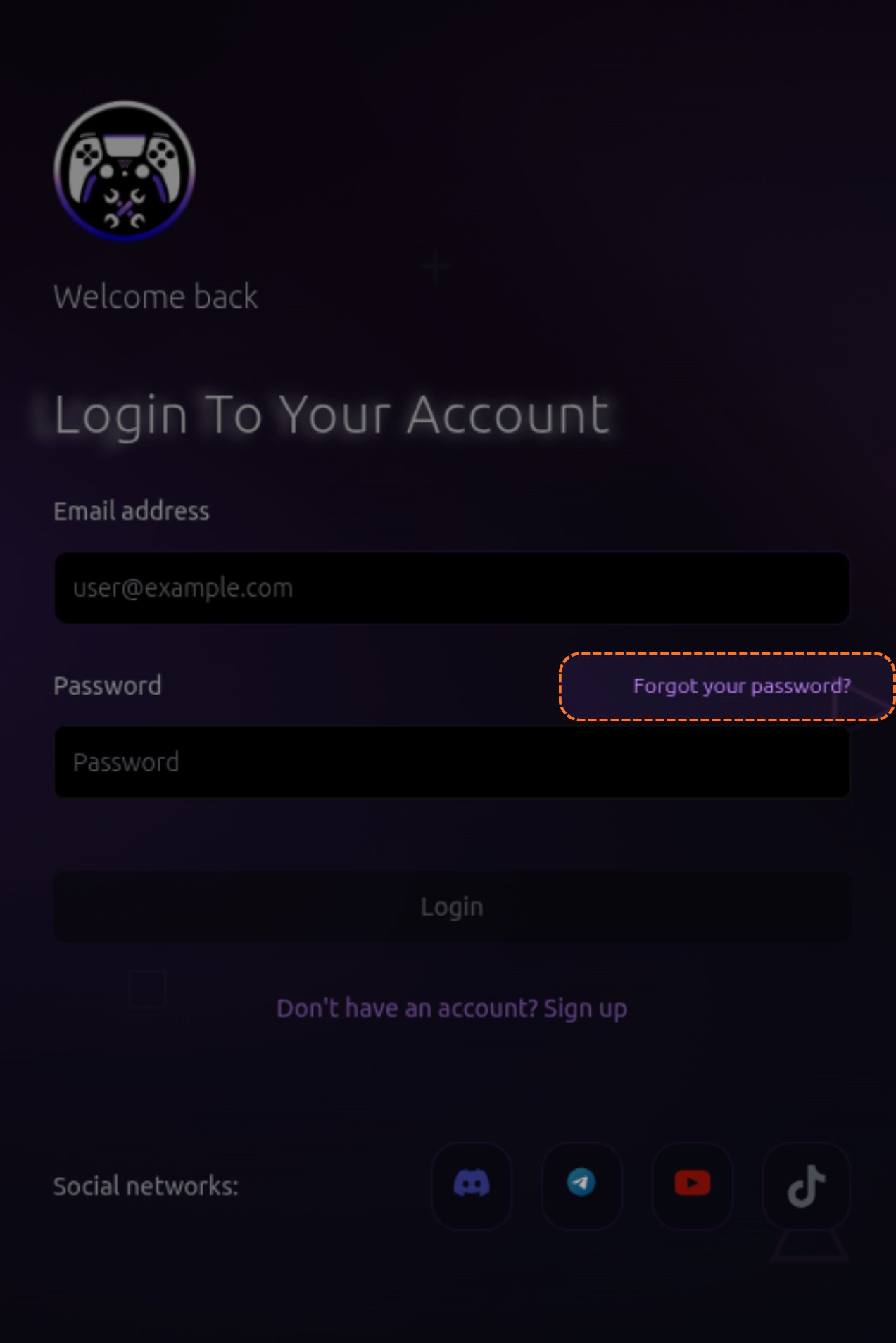
Click Forgot Your Password
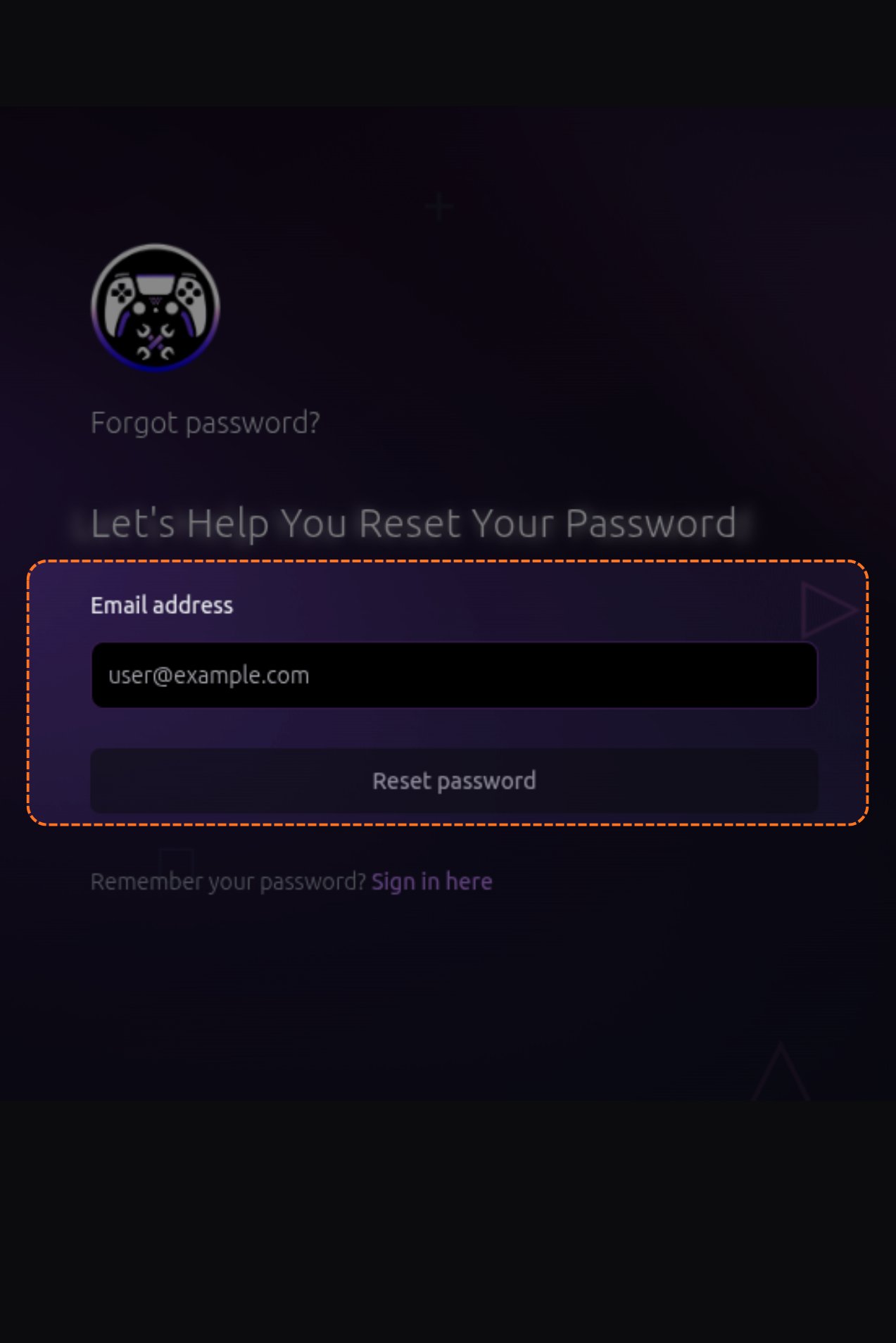
Enter Your Email
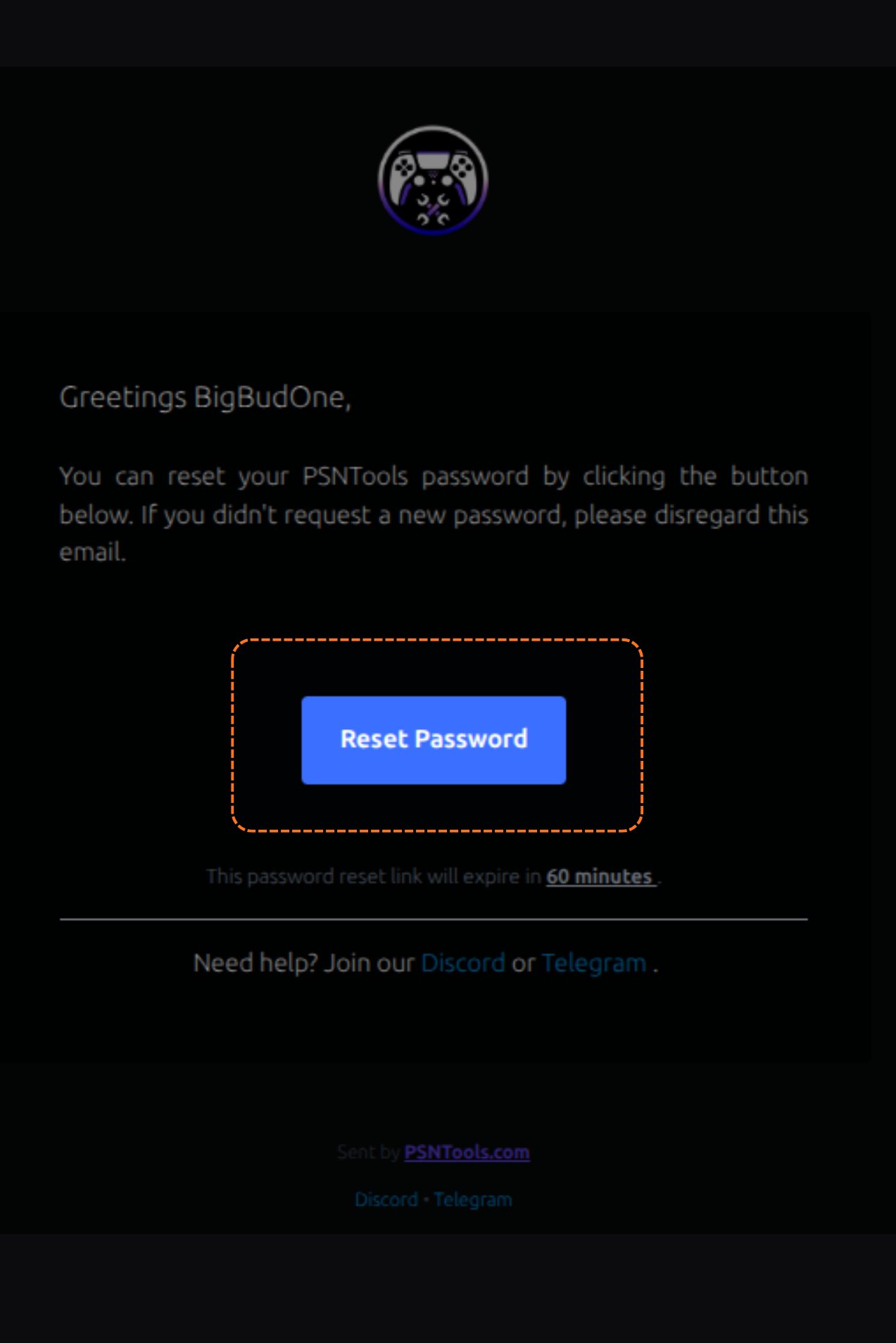
Check Your Email
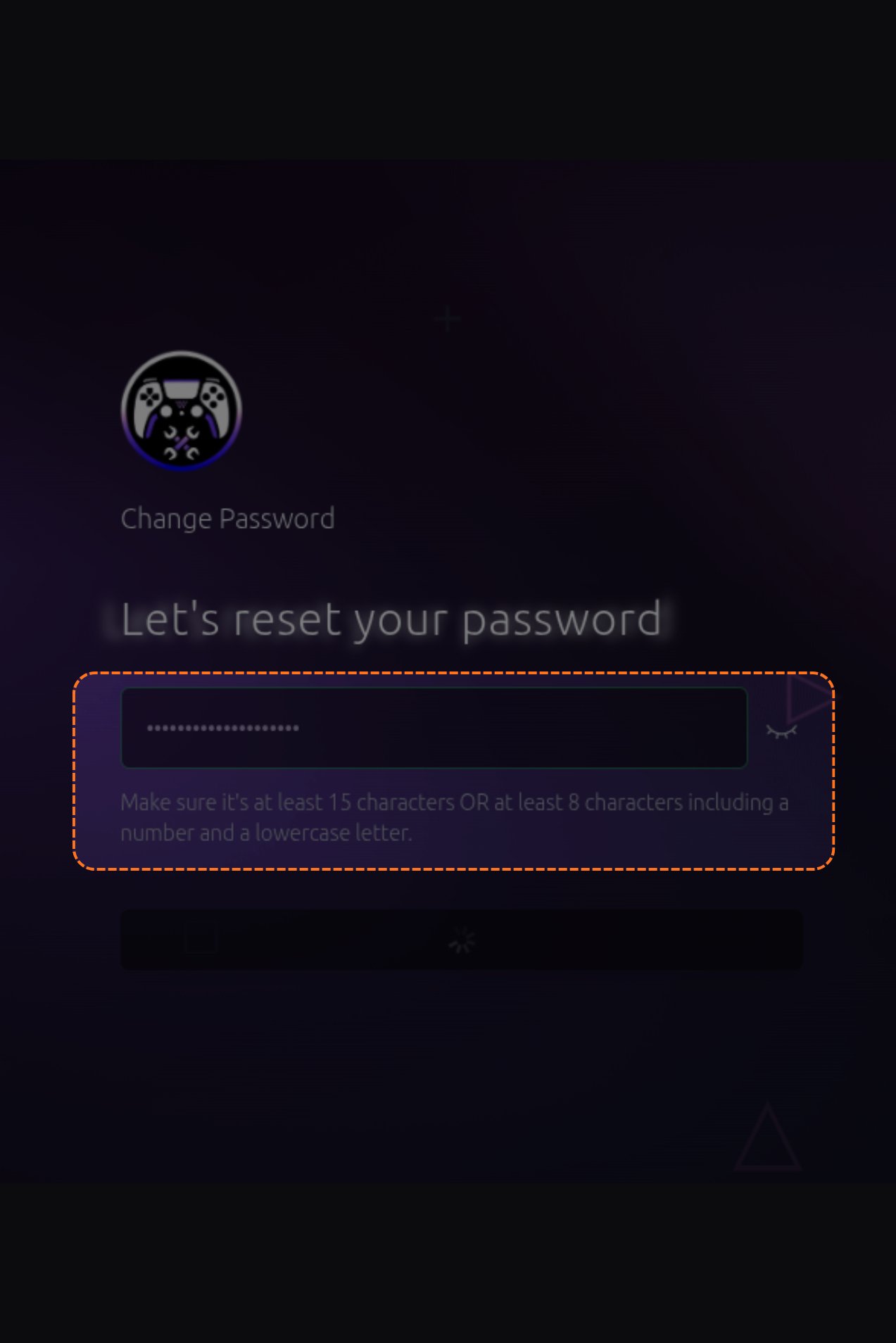
Set Your New Password
Related topics
Was this page helpful?