Prefer to watch? Video tutorial
Prefer to watch? Video tutorial
Make sure your NPSSO cookie is fresh before using PSNTools. Sign out of PSN and sign back in if needed. NPSSO guide here.
Go to the Avatar Finder
Head over to the Avatar Finder page. Enter your PSN account name in the search bar.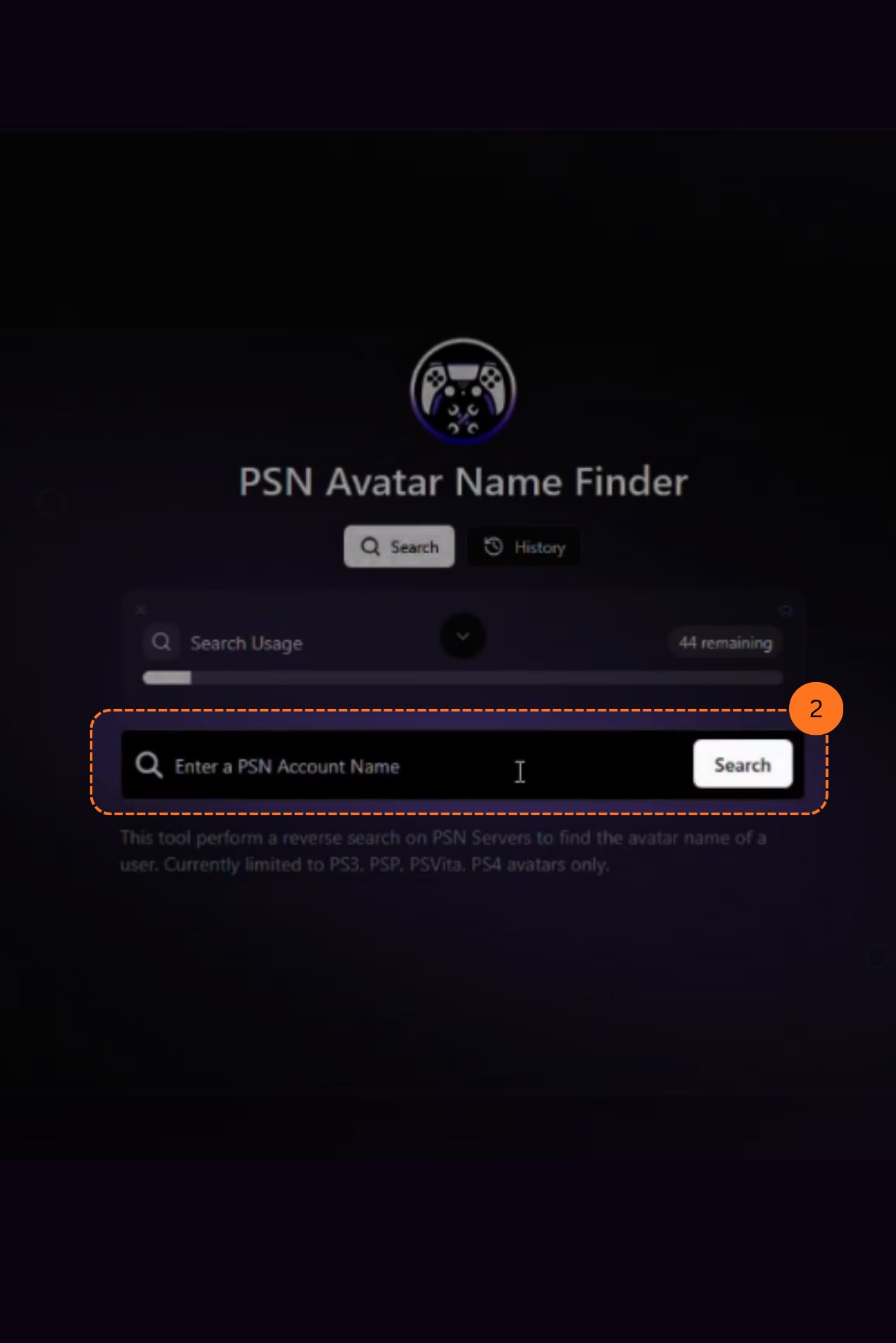
Search for an Avatar Name
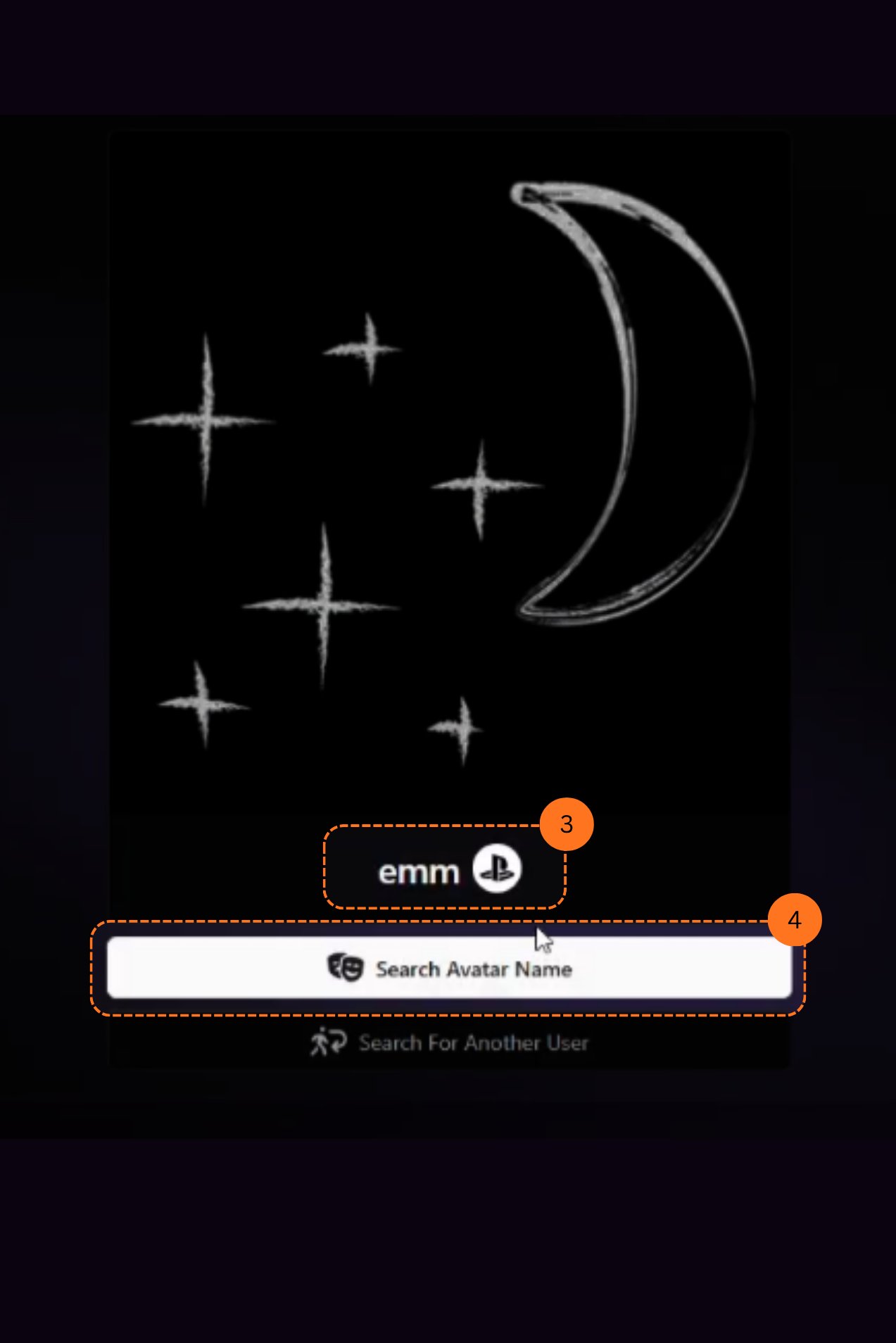
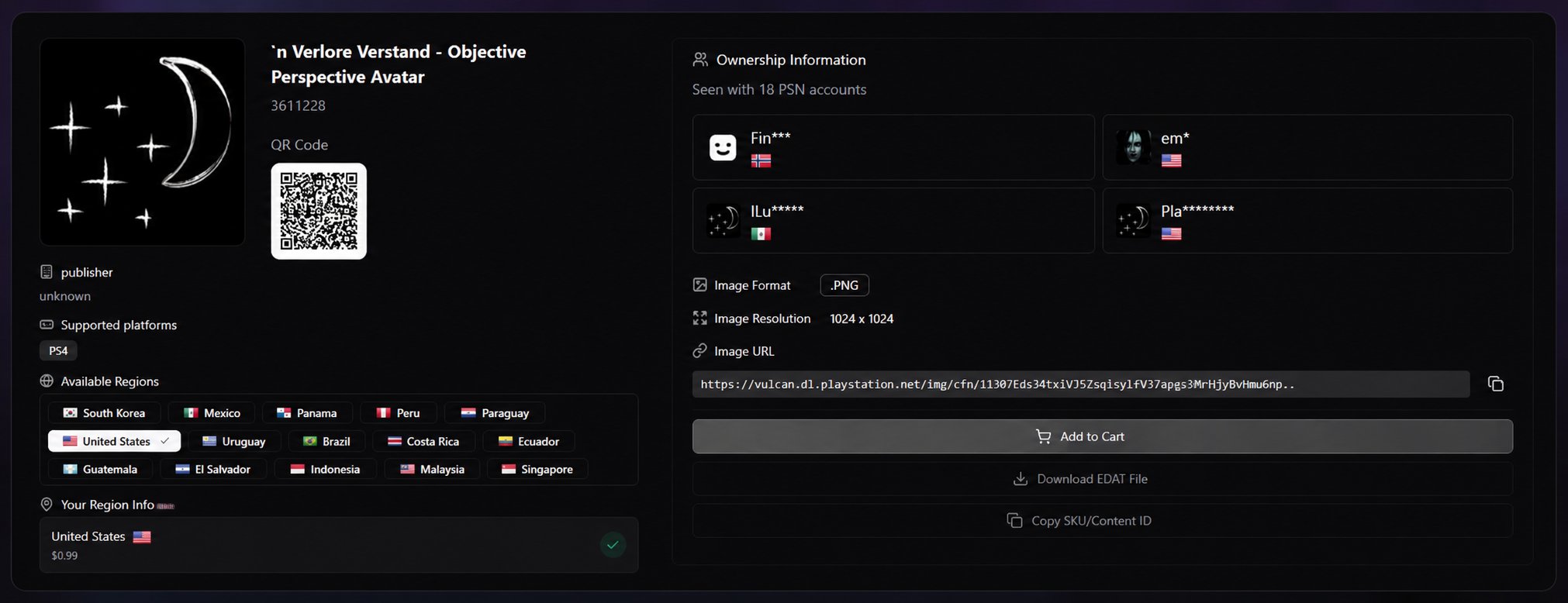
After the results load, you will see the avatar of the PSN ID. Click the Search Avatar Name bar.