Prefer to watch? Video tutorial
Prefer to watch? Video tutorial
Make sure your NPSSO cookie is fresh before using PSNTools. Sign out of PSN and sign back in if needed. NPSSO guide here.
Go to PSN Profile Cloner
Head over to the PSNTools homepage and find the PSN Profile Cloner section. Click it to get started.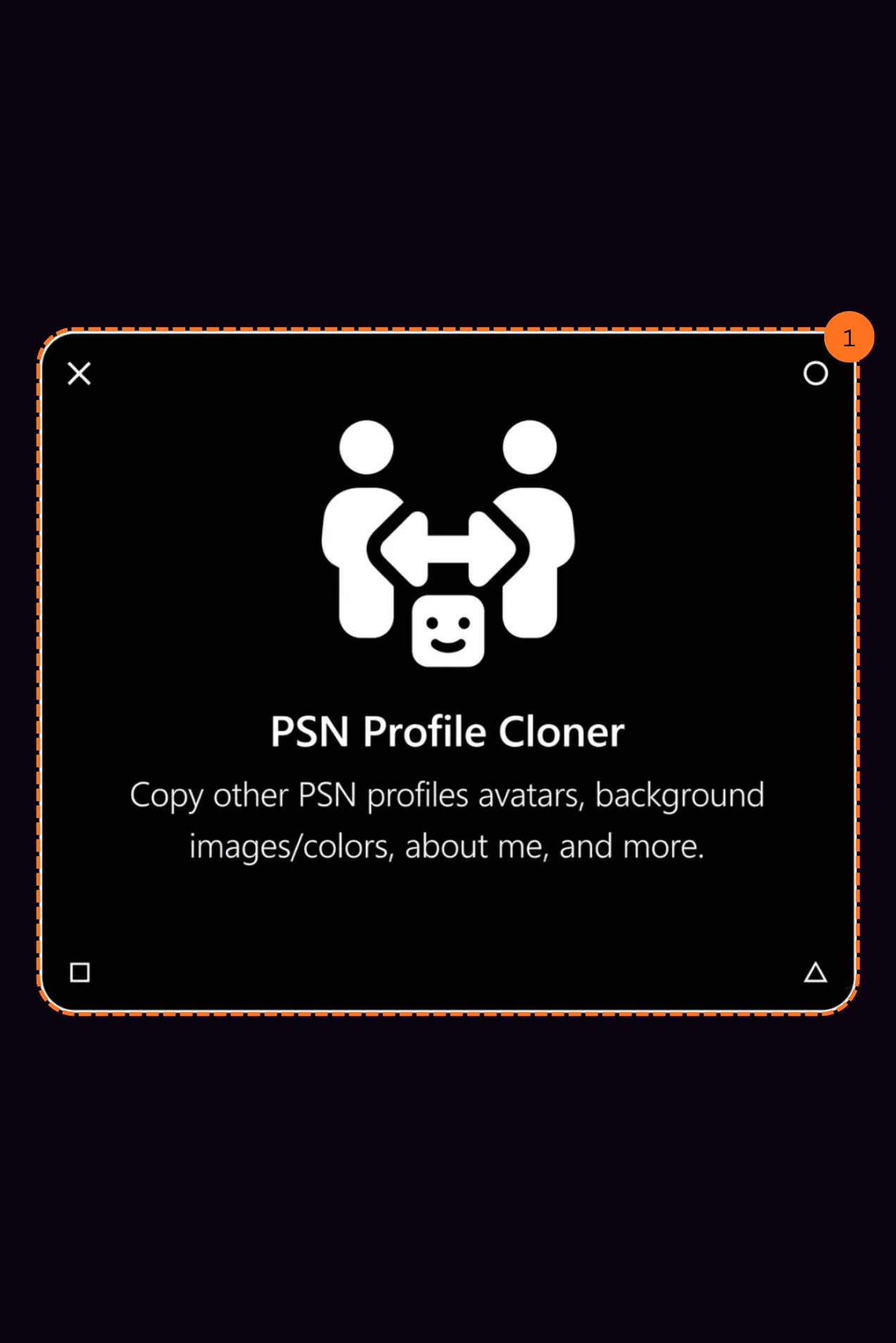
Search for a PlayStation Profile
After clicking PSN Profile Cloner, you will see a search bar. Enter the PSN ID of any PlayStation profile you want to clone and hit search. It will show you the account that matched your search.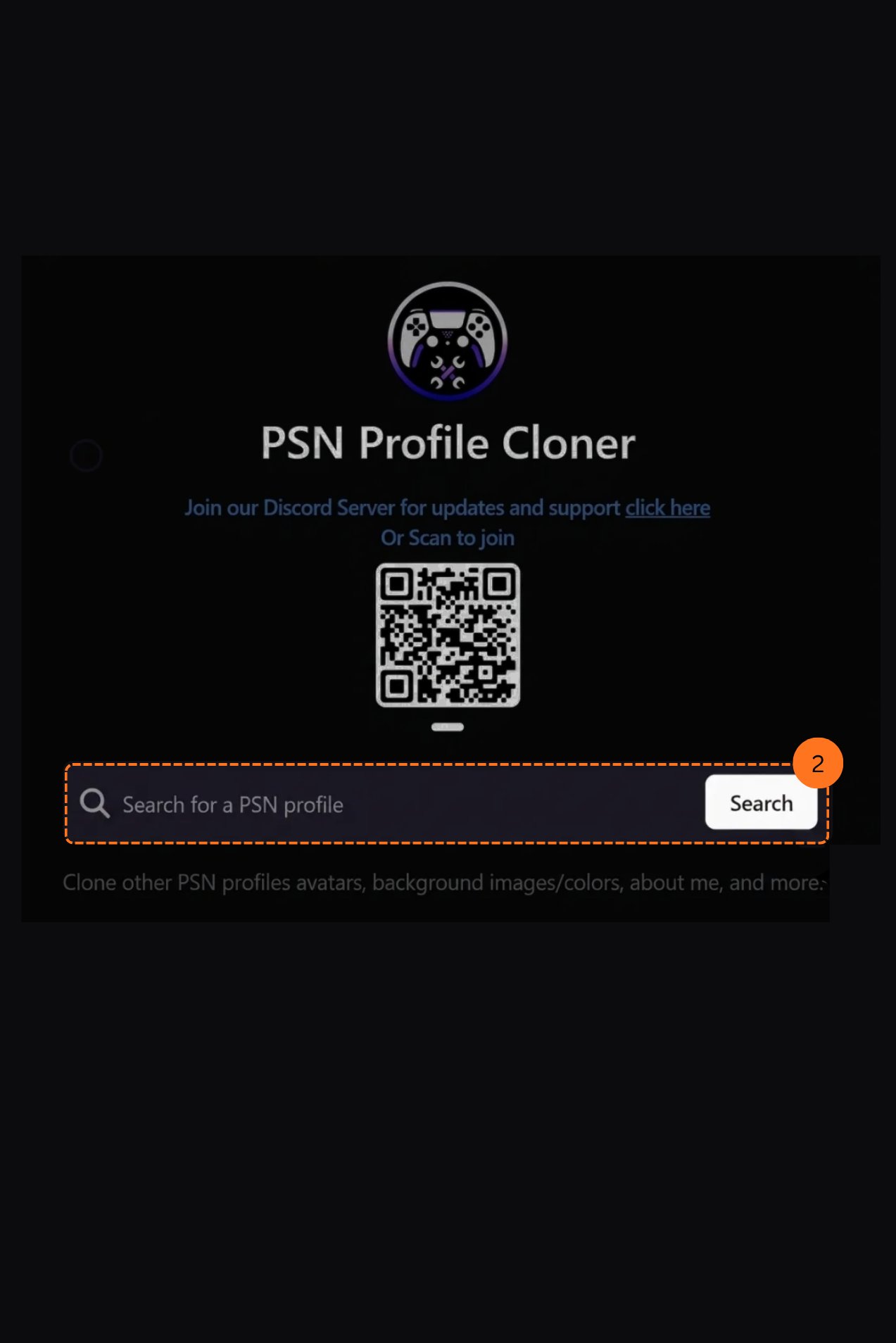
Copy Their Background Color
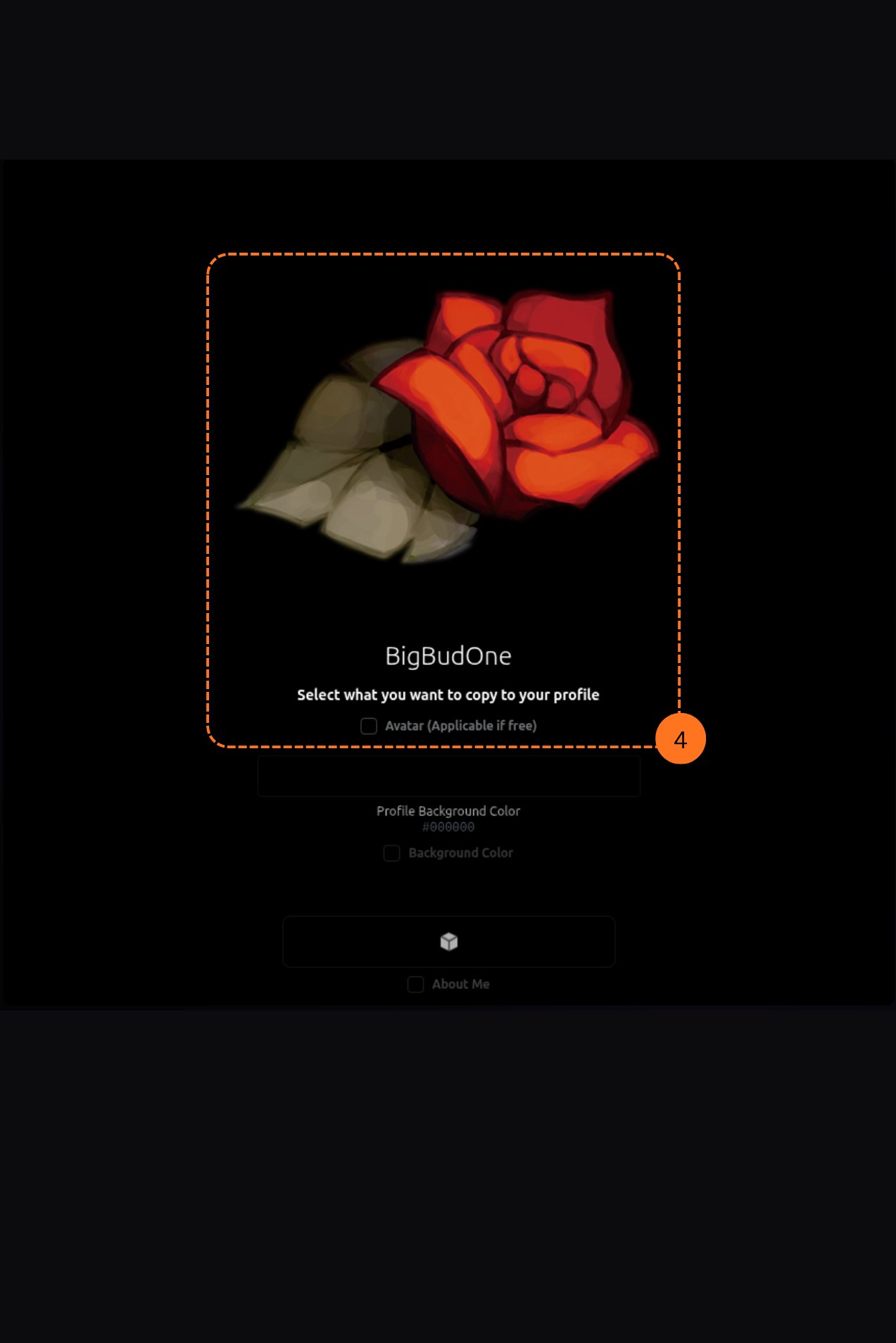
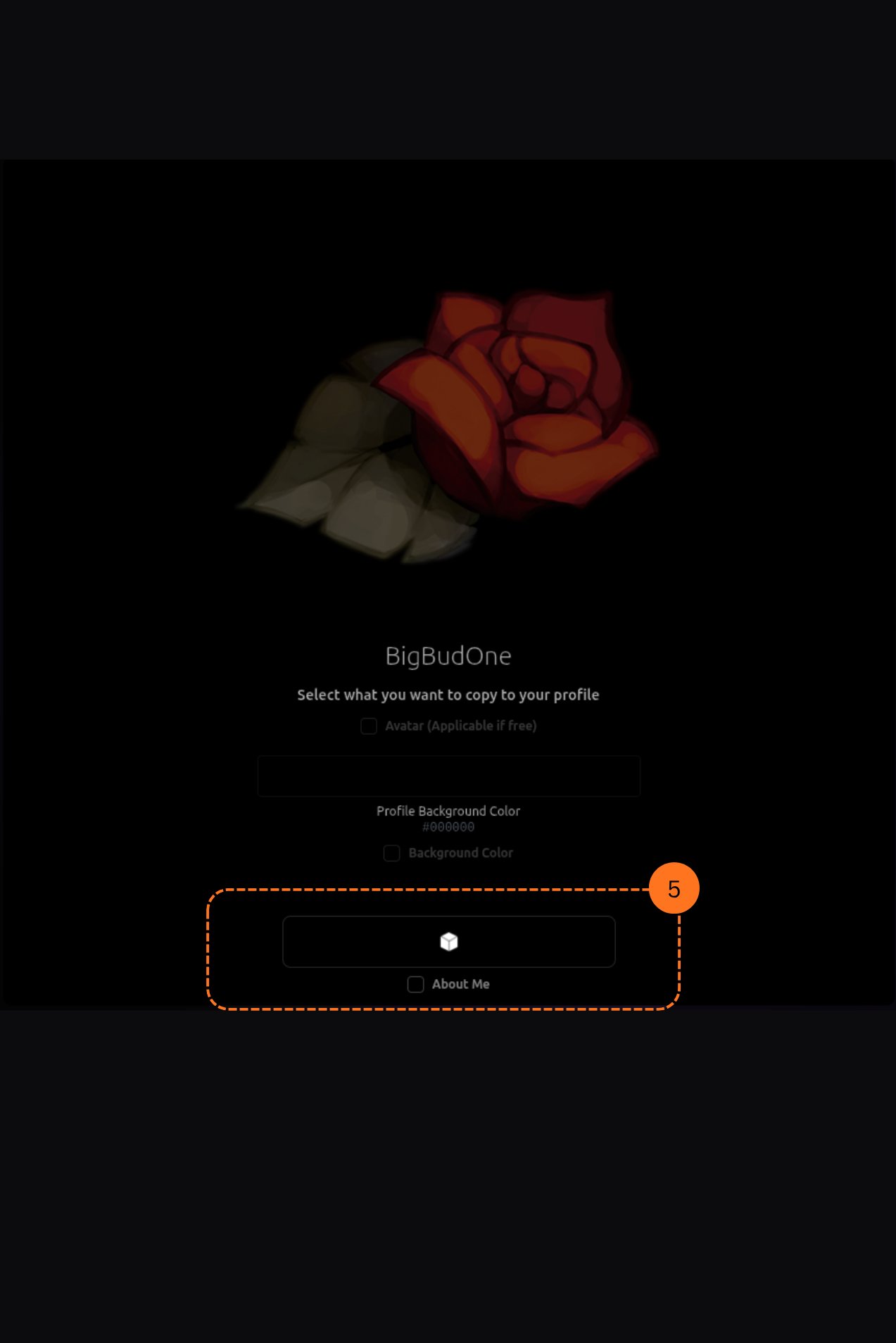
Once the profile loads, you can choose to copy their profile background color. This will apply their exact background color to your own profile.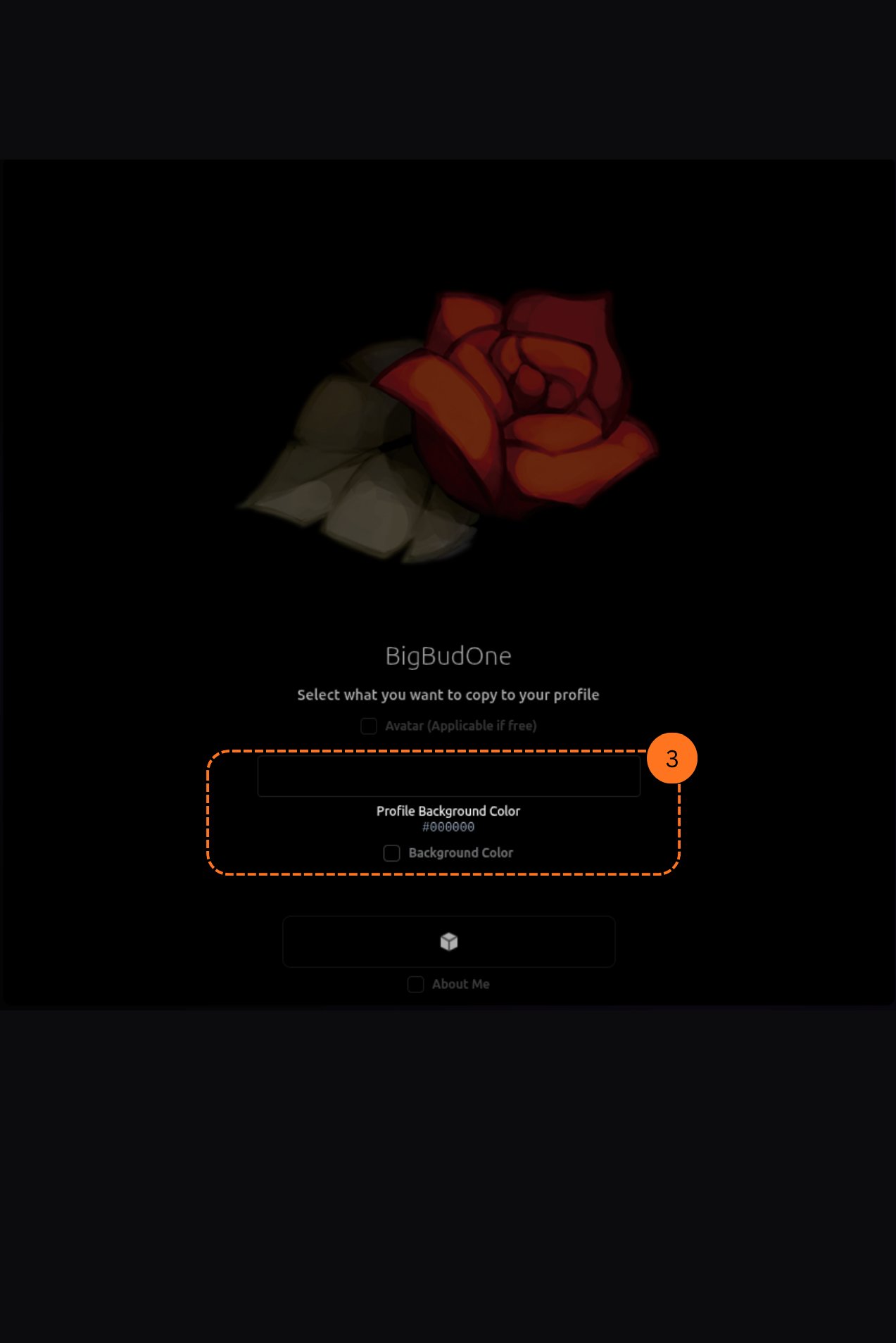
Copy Their Avatar
You can also copy their profile avatar. This will set your avatar to match theirs. This feature is subject to availability and may require a membership.